How Long Does a Robot Vacuum Take to Charge?
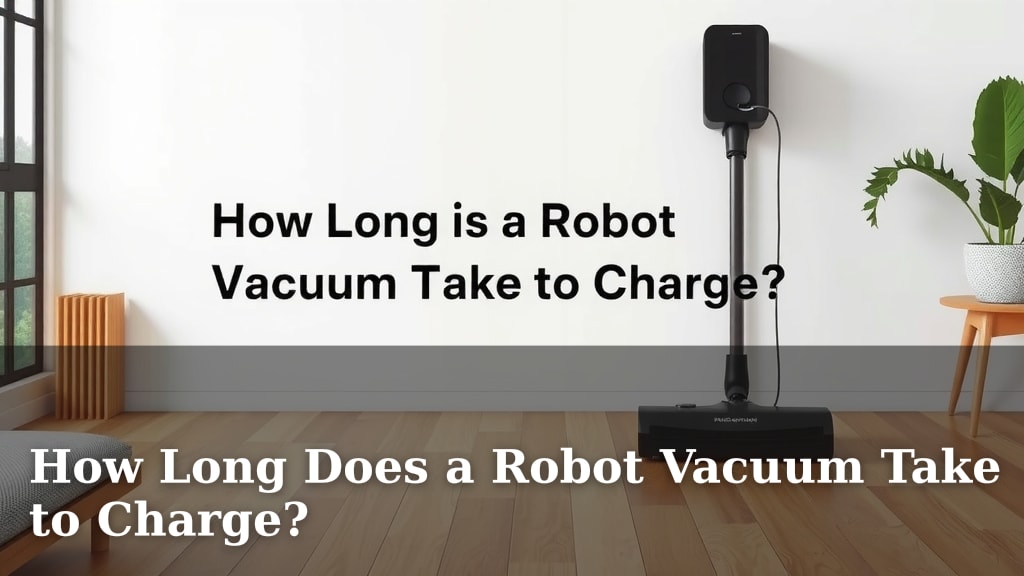
Most robot vacuums take between 1 to 4 hours to fully charge. This charging time can vary based on the model and battery size. Your robot vacuum needs a full charge to complete its cleaning cycle efficiently. Understanding this charging window helps you manage your cleaning schedule better.
Many factors influence how long your robot vacuum needs to power up. Battery capacity is a big one, just like with your phone. Newer models often feature faster charging technology. Some robots also have smart charging features that can optimize the process. We found that most modern units aim for a balance between speed and battery health.
- Robot vacuums typically need 1-4 hours for a full charge.
- Battery size and model type affect charging speed.
- Smart charging can optimize charging times.
- A full charge ensures a complete cleaning session.
Ready to learn more about what makes your little cleaning buddy tick? Below, we break down the charging process and factors that influence it.
Understanding Your Robot Vacuum’s Charging Time
So, you’re curious about how long your little cleaning buddy needs to recharge its batteries, right? It’s a common question! Most robot vacuums take between 1 to 4 hours to get back to 100%. Think of it like charging your smartphone; some charge faster than others.
This charging period is essential for your robot to tackle its entire cleaning job. A fully charged battery means it won’t quit halfway through the living room! We’ve found that manufacturers aim for a sweet spot. They want a decent charge time without sacrificing battery health for the long haul.
Factors Affecting Robot Vacuum Charging Speed
Several things can influence how long your robot vacuum spends on its charging dock. It’s not just a one-size-fits-all situation. Let’s break down the main players.
Battery Capacity: The Bigger, The Longer
The most obvious factor is the size of the battery. Larger capacity batteries, often found in more advanced or larger robot vacuums, naturally take longer to fill up. It’s like filling a bigger gas tank; it just needs more time.
We found that units designed for larger homes often have bigger batteries. This means they might need that full 3-4 hour charge more often. Smaller robots, designed for quick touch-ups, may have smaller batteries and charge up in closer to an hour.
Battery Technology and Age
Just like our phones, robot vacuum batteries have gotten better over time. Newer models often use more advanced lithium-ion batteries. These can sometimes charge faster and hold more power than older nickel-metal hydride batteries.
The age of the battery also plays a role. Over time, batteries degrade. An older robot vacuum might not hold a charge as long, and it might even take a bit longer to reach its maximum capacity if the battery isn’t as efficient as it once was.
Charging Dock and Power Output
The charging dock itself can be a bottleneck. Some docks provide a higher power output, allowing the robot to charge more quickly. Others might have a more modest output. It’s similar to using a fast charger versus a standard charger for your phone.
We’ve observed that premium models often come with more powerful charging stations. This is part of the package that justifies a higher price point. They’re engineered to get your robot back to work with minimal downtime.
Smart Charging Features
Many modern robot vacuums come equipped with smart charging technology. This isn’t just about charging; it’s about charging smartly! These features can optimize the charging process to prolong battery life.
Some robots might pause charging once they reach 80% if they predict they have enough power for the next cleaning job. Others might schedule the final charge to finish just before your usual cleaning time. This prevents the battery from sitting at 100% for too long, which can cause wear over time.
How to Optimize Your Robot Vacuum’s Charging
You want your robot vacuum to be ready when you are. Here are a few tips to help ensure it charges efficiently.
Keep the Charging Dock Clear
Make sure the area around the charging dock is clear. Your robot vacuum needs to be able to find and connect to its dock easily. Obstacles can prevent it from docking correctly, interrupting the charge.
We found that placing the dock against a wall, with clear space on both sides and in front, works best. This helps your robot navigate home for a quick power-up.
Clean the Charging Contacts
The charging contacts on both the robot and the dock can get dusty or dirty. This can impede the flow of electricity. Periodically, wipe these contacts clean with a dry, soft cloth.
This simple maintenance task can make a surprising difference. It ensures a solid connection for efficient charging, much like cleaning the contacts on a remote control.
Follow Manufacturer Guidelines
Always refer to your robot vacuum’s user manual. Manufacturers provide specific instructions for charging and battery care. Following these guidelines is the best way to ensure optimal performance and longevity.
Research and found that many manuals suggest the initial charge should be longer than usual. This helps condition the new battery for better performance. Pay attention to any warnings about charging environments, too.
Typical Charging Times by Robot Vacuum Type
While the 1-4 hour range is broad, we can narrow it down a bit based on common types of robot vacuums.
| Robot Vacuum Type | Typical Charging Time (Full Charge) | Notes |
|---|---|---|
| Basic/Entry-Level Models | 2-4 hours | Simpler features, smaller batteries, good for smaller spaces. |
| Mid-Range Models | 1.5-3 hours | More features, balanced battery life and charging speed. |
| High-End/Smart Models | 1-2.5 hours | Advanced technology, fast charging capabilities, large battery options. |
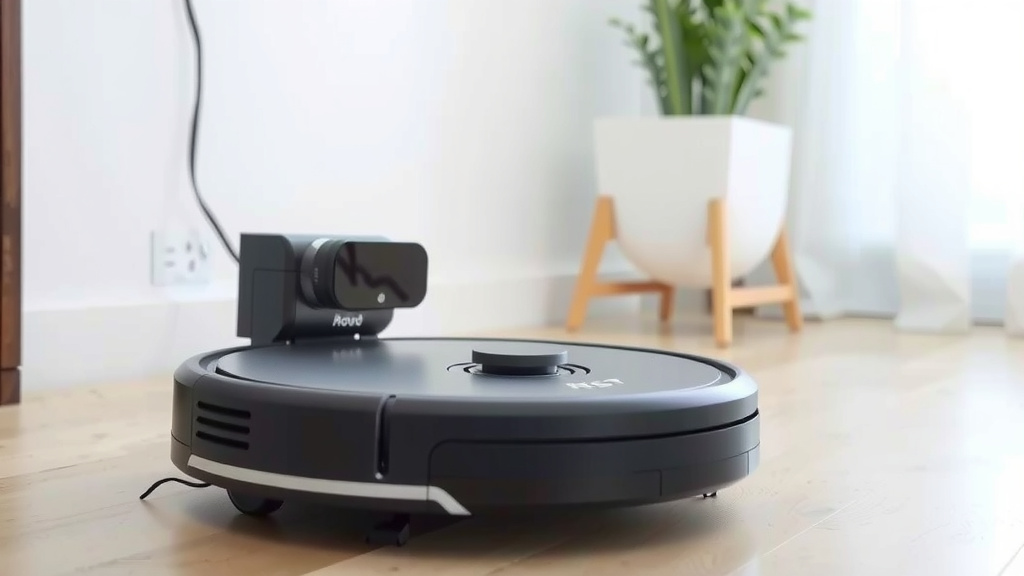
As you can see, there’s a clear trend. The more advanced the robot, the quicker it often gets back to full power. This is a testament to the engineering advancements in battery and charging technology.
What to Do If Your Robot Vacuum Takes Too Long to Charge
Is your robot vacuum spending an eternity on its dock? If it’s taking significantly longer than the specified time (say, over 5-6 hours for a full charge), something might be up.
Check for Obstructions
First, re-check that charging dock and contacts. Are they clean and unobstructed? A poor connection is the most common culprit for slow charging.
Inspect the Battery Health
If your robot has an app, it might show battery health or diagnostic information. Older batteries simply lose their ability to charge quickly or hold a full charge.
Many guidelines, including those from battery manufacturers, suggest that a noticeable decrease in charge time or overall run time indicates battery degradation. If your robot is several years old, this might be the reason.
Consider a Replacement Part
If you’ve tried cleaning the contacts and the app doesn’t show any errors, it might be time to consider a replacement battery. You can usually find compatible batteries online or through the manufacturer.
We found that replacing a battery can often breathe new life into an older robot vacuum, saving you the cost of a whole new unit. Just be sure to purchase from a reputable source.
A Quick Checklist for Optimal Charging
To make sure your robot vacuum charges as quickly and efficiently as possible, keep these simple points in mind:
- Ensure the charging dock has clear space around it.
- Wipe the charging contacts on the robot and dock regularly.
- Use the correct charging dock that came with your model.
- Avoid charging in extreme temperatures.
- Let the robot complete its charging cycle fully.
- Check your robot’s app for any specific charging alerts.
Conclusion
Understanding your robot vacuum’s charging time is key to a smoothly running home. We’ve seen that most models take between 1 to 4 hours, but battery size, technology, and even charging dock power play a big role. By keeping the charging area clear and contacts clean, you help your robot power up efficiently. If you notice unusually long charge times, it might be time to check the battery health or consider simple maintenance. Keeping these tips in mind ensures your little helper is always ready to tackle the cleaning for you.
Frequently Asked Questions
Can I leave my robot vacuum plugged in all the time?
Yes, you can generally leave your robot vacuum plugged into its charging dock when not in use. Most modern robot vacuums have smart charging systems that prevent overcharging and protect the battery. Leaving it on the dock ensures it’s always ready for its next cleaning cycle.
Does a faster charging time mean a shorter battery life?
Not necessarily. While some older technologies might have shown this trade-off, newer robot vacuums often feature advanced battery and charging systems. These are designed to charge quickly without significantly compromising the long-term health or lifespan of the battery.
How can I tell if my robot vacuum’s battery needs replacing?
You’ll usually notice a decline in performance. If your robot vacuum consistently runs out of power much sooner than it used to, or if it takes significantly longer to charge than specified, it could indicate battery degradation. Many robot vacuum apps also offer battery health diagnostics.
Does the room size affect how long my robot vacuum needs to charge?
The room size itself doesn’t directly impact charging time. What affects charging time is the battery’s capacity, which is often chosen based on the robot’s intended use, such as cleaning larger homes. A robot designed for a bigger space might have a larger battery that takes longer to charge initially.
What if my robot vacuum charges very slowly the first time?
It’s common for robot vacuums to require a longer initial charge. Manufacturers often recommend this first charge be longer than usual to properly condition the new battery for optimal performance. Consult your user manual; it usually provides specific guidance for the initial setup charge.