
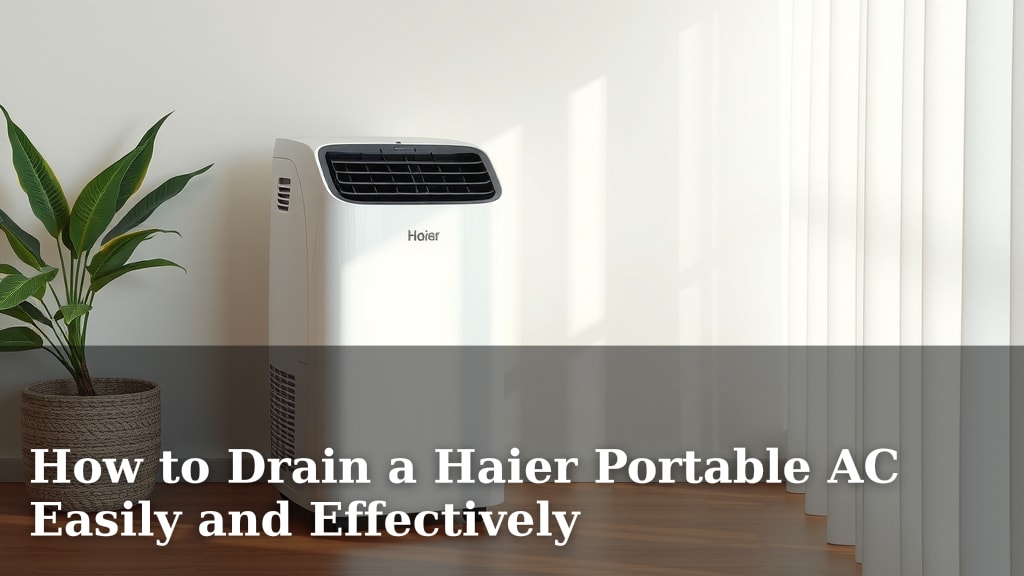
How to Drain a Haier Portable AC Easily and Effectively
Draining your Haier portable air conditioner is usually pretty straightforward. The easiest way to drain it involves locating the drain plug, removing it, and letting the water empty into a container or through a hose. You’ll want to do this when the water tank is full or before storing the unit. This process prevents water buildup and ensures your AC runs smoothly.
Understanding how your portable AC collects condensation is key. This water is a natural byproduct of the cooling process. Knowing where to find the drain plug and what tools you might need can make the task quick and mess-free. Many users wonder if they can leave the drain hose attached permanently, and the answer depends on your setup and the specific model.
- Locate the drain plug at the back or bottom.
- Prepare a shallow pan or hose for water collection.
- Carefully remove the plug and let the water drain.
- Replace the plug securely when finished.
Let’s walk through exactly how to drain your Haier portable air conditioner step by step, so you can get back to enjoying cool air without any water worries.
Keeping Your Haier Portable AC Drained Properly
Draining your Haier portable air conditioner is a simple maintenance task. You’ll need to do it when the internal water tank is full. This prevents leaks and keeps your unit running efficiently. We’ll walk you through how to get that water out safely.
Understanding Condensation in Your AC
Portable air conditioners work by pulling warm, humid air from your room. As this air passes over cold coils, moisture condenses out. This collected water needs a place to go. Your Haier unit has a system to manage this moisture. Understanding this process helps you see why draining is important.
Why Condensation Happens
Think of a cold glass of water on a hot day. Water droplets form on the outside, right? Your air conditioner’s cold coils act similarly. They cool the air, and the moisture in that air turns into liquid. This is a normal part of the cooling process. It’s how your AC dehumidifies your space.
How Your Haier AC Manages Water
Most Haier portable ACs collect this condensation in an internal tank. When this tank fills up, a sensor usually triggers an alert. This could be a light on the control panel or an audible beep. Some advanced models might even shut off automatically. This stops water from overflowing.
Locating the Drain Plug: Your First Step
Finding the drain plug is the most critical part of draining your unit. It’s usually located at the back or bottom of the air conditioner. You might need to get down on your hands and knees to find it. Don’t worry, it’s typically well-marked. Look for a small rubber or plastic cap.
Common Drain Plug Locations
On most Haier models, you’ll find the drain plug on the rear panel. It’s often near the bottom, close to where the exhaust hose connects. Some units might have a slightly different placement. Always refer to your specific owner’s manual if you’re having trouble locating it. It’s the best guide for your model.
What if I Can’t Find It?
If you’ve looked around the back and bottom and still can’t see a drain plug, check the sides. Sometimes, it’s in a less obvious spot. You might need to remove a small panel to access it. Again, your manual is your best friend here. It will show you the exact location. Some very small units might have a different drainage method, like a built-in bucket, but most have a plug.
Preparing for the Drain: What You’ll Need
Before you start draining, gather a few simple items. This makes the process much cleaner. You don’t want water spilling onto your floors. Having everything ready means you can drain it quickly and efficiently.
Essential Supplies for Draining
- A shallow pan or bucket: This will catch the water. Make sure it’s low enough to fit under the drain plug.
- A towel or rag: For any minor spills or drips.
- Optional: A short length of hose: If your unit came with one, it can help direct water further away.
Positioning Your AC for Draining
For the easiest drain, try to position your AC so the plug is at the lowest point. If your unit is on the floor, this is usually straightforward. If it’s on a stand, you might need to move it. If you’re using a hose, ensure it has a slight downward slope. This helps gravity do the work.
The Draining Process: Step-by-Step
Now that you’ve located the plug and gathered your supplies, it’s time to drain. Take your time and be gentle. These plugs are usually designed to be removed by hand. Avoid using excessive force, which could damage the plug or the unit.
Step 1: Remove the Drain Plug
Carefully twist and pull the drain plug out. Some plugs might have a stopper attached; others are just the cap. Be prepared for water to start flowing immediately. If you’re using a hose, attach it to the drain port before removing the plug. Ensure the hose is securely fitted.
Step 2: Let the Water Flow
Allow the water to drain completely into your pan or hose. This can take a few minutes, depending on how much water has collected. You might hear gurgling sounds as the air enters the tank to replace the water. If you’re using a hose, make sure the other end is in a suitable drain or container. Many experts suggest not draining directly onto plants, as AC water can be slightly acidic (CDC).
Step 3: Replace the Drain Plug Securely
Once the water has stopped flowing, it’s time to put the plug back. Push it firmly into the port. Then, twist it clockwise to ensure it’s sealed tightly. A loose plug can lead to leaks later on. Double-check that it feels secure and flush with the unit’s surface.
Continuous Drainage: When and How
Some Haier portable AC models offer a continuous drainage option. This is useful if you live in a very humid climate or if you can’t easily access the drain plug often. It involves attaching a hose to the drain port and letting the water run out constantly.
Setting Up Continuous Drainage
You’ll typically need to use the drain hose that came with your unit. Connect one end to the drain port and run the other end to a floor drain, a sink, or a large collection container. Ensure the hose has a constant downward slope. If the hose isn’t sloped correctly, water can back up.
Considerations for Continuous Drainage
While convenient, continuous drainage means your AC might not be as effective at dehumidifying. The fan might run more to push air and water out. Also, keep an eye on the hose. If it gets kinked or disconnected, you could have a flood. It’s a good idea to check the hose connection regularly. Continuous drainage is best for situations where you can’t empty the tank manually very often.
Troubleshooting Common Drainage Issues
Occasionally, you might run into minor problems when draining. Don’t get frustrated; most are easy to fix. We’ve found that paying attention to detail is key.
Water Not Draining or Draining Slowly
This could happen if the drain plug is partially clogged with sediment. Try wiggling the plug gently. If you’re using a hose, check for kinks or blockages. Sometimes, the unit itself might not be tilted enough to allow full drainage. Ensure there’s a clear path for the water to exit.
Leaking Around the Drain Plug
The most common cause of leaks is a plug that isn’t fully seated or sealed. Remove the plug and inspect its rubber seal for any damage. Reinsert it firmly and twist to tighten. If the plug or seal appears damaged, you may need to contact Haier support for a replacement part. A good seal is vital for preventing leaks.
Checklist: Your Quick Drain Guide
Here’s a quick checklist to ensure you’ve covered all the bases:
- Confirm your AC is unplugged for safety.
- Locate the drain plug on your Haier unit.
- Place a suitable container or hose beneath the plug.
- Carefully remove the plug and let water drain.
- Inspect the plug and port for debris.
- Securely reinsert and tighten the drain plug.
Conclusion
You’ve now learned how to keep your Haier portable AC running smoothly by draining it effectively. Remember, this simple maintenance task prevents water buildup and ensures your unit cools your space efficiently. Locating the drain plug, preparing your supplies, and carefully draining the water are key steps. By following this guide, you can easily manage condensation.
Your next step is to proactively drain your unit whenever you notice the water indicator or before storing it. This will help you avoid potential leaks and keep your portable air conditioner in great shape for seasons to come. Enjoy your cool and comfortable home!
Frequently Asked Questions
How often should I drain my Haier portable air conditioner?
You should drain your Haier portable AC whenever the unit indicates the water tank is full. This is usually shown by a light or an audible alert. If you live in a very humid environment, you might need to drain it more frequently.
Can I leave the drain hose attached all the time?
Yes, you can often leave a drain hose attached for continuous drainage. Make sure the hose has a constant downward slope to prevent water backup. This is a great option if you can’t easily access the drain plug regularly.
What should I do if water is leaking from the drain plug area?
If you notice leaks around the drain plug, it’s likely not sealed tightly. Remove the plug, inspect its rubber seal for damage, and reinsert it firmly. Twist it to ensure a secure fit. A damaged seal might need replacement.
Is it safe to drain the water onto my lawn or garden?
While it might seem convenient, it’s generally best to avoid draining AC water directly onto plants. The collected water can be slightly acidic due to the cooling process. It’s safer to drain into a bucket, sink, or floor drain.
What if my Haier portable AC doesn’t seem to have a drain plug?
Most models have a drain plug, often on the back or bottom. If you can’t find it, consult your owner’s manual, as placement can vary. Some very small units might have a different method, or the plug might be hidden behind a small access panel.
![7 Best Hoseless Air Conditioner [2026]](https://bathroomexplorer.com/wp-content/uploads/2026/06/7-best-hoseless-air-conditioner-2026-featured-768x432.jpg)
![7 Best Rated Stand Alone Air Conditioner [2026]](https://bathroomexplorer.com/wp-content/uploads/2026/06/7-best-rated-stand-alone-air-conditioner-2026-featured-768x432.jpg)

![7 Best Commercial Window Air Conditioner [2026]](https://bathroomexplorer.com/wp-content/uploads/2026/06/7-best-commercial-window-air-conditioner-2026-featured-768x432.jpg)