How Long Does the Dyson Cordless Vacuum Last?
You’re probably wondering: how long does a Dyson cordless vacuum last on a single charge? Most Dyson cordless vacuums run for about 60 minutes on their lowest power setting. This can vary depending on the specific model and the cleaning mode you use. It’s a common question, and we’re here to give you the straight scoop.
Understanding your Dyson’s battery life helps you plan your cleaning sessions. Factors like using the most powerful suction mode or running attachments can shorten this time. We’ve looked into what affects that runtime, so you can get the most out of your powerful cleaning tool.
TL;DR:
- Most Dyson cordless vacuums offer up to 60 minutes of run time.
- Actual time depends on the model and suction power used.
- Higher power modes significantly reduce battery life.
- Attachments can also impact how long the battery lasts.
- Check your specific model’s specs for exact run times.
Let’s break down exactly how long you can expect your Dyson cordless vacuum to last and what impacts its battery life.
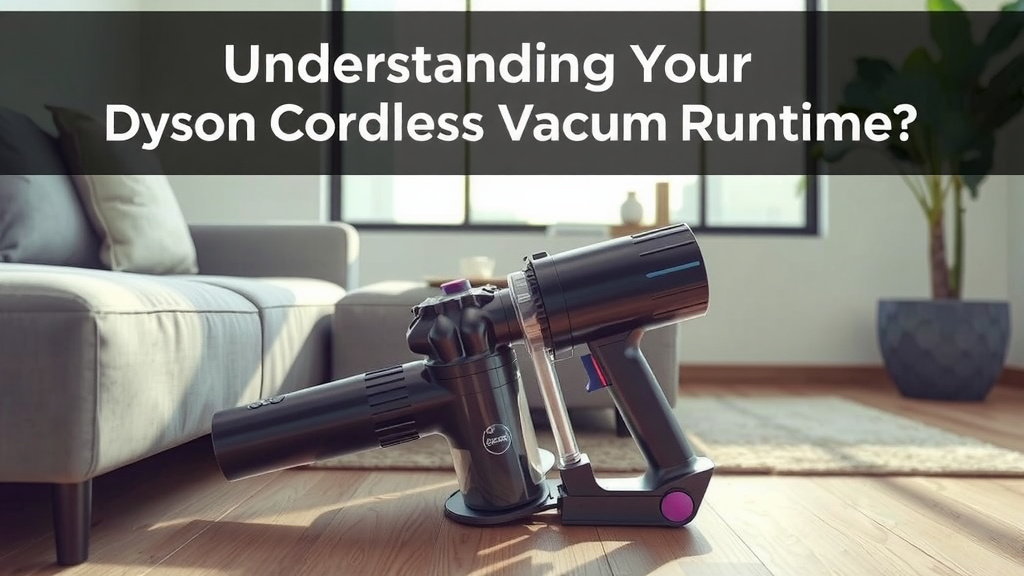
Understanding Your Dyson Cordless Vacuum’s Runtime
So, you’ve got a Dyson cordless vacuum, and you’re curious about how long it’ll keep humming before needing a recharge. It’s a super common question! Generally, you can expect around 60 minutes of cleaning time on a single charge from most Dyson cordless models. But, and this is a big “but,” that number can really dance around depending on a few things. We’ve gathered the details so you can get a clear picture.
Think of it like a gas tank for your cleaning machine. You want to know how far it can take you, right? Knowing your vacuum’s battery capabilities helps you plan your cleaning day. You wouldn’t want to run out of juice halfway through cleaning the living room rug, would you? Let’s dive into what makes that battery meter tick up and down.
Factors That Directly Impact Your Dyson’s Battery Life
While Dyson advertises up to 60 minutes, this is usually achieved on the lowest power setting with non-motorized tools. This is like saying your car gets 30 miles per gallon, but that’s on the highway, going downhill, with the wind at your back!
Suction Power: The Biggest Battery Drainer
This is probably the biggest factor. Every Dyson cordless vacuum comes with different power modes, often labeled as ‘Eco’ or ‘Low,’ ‘Medium,’ and ‘Boost’ or ‘High.’ When you crank up the suction to tackle stubborn dirt or pet hair, your vacuum is working much harder. This means it’s sipping that battery power much faster. We found that using the ‘Boost’ mode can reduce your run time by more than half!
Eco/Low Mode: Your Battery’s Best Friend
This is where you’ll get the longest run times. It’s perfect for quick cleanups, dusting, or maintaining clean floors. You can often get the advertised 60 minutes or even a little more in this mode. It’s the gentle approach to cleaning.
Medium Mode: A Good Balance
This setting offers a nice compromise between power and battery life. It’s great for everyday cleaning tasks on carpets and hard floors. You’ll likely see a noticeable drop from the Eco mode, perhaps in the 30-40 minute range.
Boost/High Mode: Power When You Need It
This is for those really tough jobs. Think deeply embedded pet hair, sticky spills, or heavily soiled areas. You’ll feel the extra pull, but don’t expect to clean your whole house on this setting. Run times here can be as short as 8-15 minutes, depending on the model.
Motorized Tools and Attachments: More Work for the Battery
When you attach a cleaner head with its own motor, like the main floor head or a mini motorized tool for upholstery, the vacuum needs to power that as well. This extra demand on the battery will naturally shorten your cleaning session. It’s like adding extra passengers to your car – it uses more fuel.
The High Torque Cleaner Head Effect
Dyson’s High Torque cleaner heads are fantastic for automatically adjusting suction and de-tangling hair. However, their advanced technology requires more power. When using these on their highest settings, you’ll notice the battery drain quicker than with a simpler, non-motorized attachment.
Using Non-Motorized Tools
Attachments like the crevice tool, dusting brush, or stubborn dirt brush don’t have their own motors. Using these will still draw power from the main vacuum motor, but they won’t add the extra load that a motorized head does. Your run time will be closer to what you’d expect from the chosen power mode without an additional motorized tool.
Specific Dyson Models and Their Battery Lifespans
Dyson has a wide range of cordless vacuums, and battery technology evolves. Newer models often feature improved battery performance or larger capacity batteries. It’s always best to check the specs for your particular model.
| Dyson Model Series | Approximate Max Run Time |
|---|---|
| V7 Series | 30 Minutes |
| V8 Series | 40 Minutes |
| V10 Series | 60 Minutes |
| V11 Series | 60 Minutes |
| V12 Detect Slim Series | 60 Minutes |
| V15 Detect Series | 60 Minutes |
| Gen5Detect / Gen5outsize | 70 Minutes |
Please remember, these are maximum run times. Real-world usage, especially with higher power settings and motorized tools, will result in shorter durations. We found that for models like the V8, users often report closer to 25-30 minutes in typical cleaning scenarios.
Optimizing Your Dyson’s Battery for Longer Cleaning Sessions
Want to squeeze every minute out of your Dyson’s battery? It’s all about smart cleaning. Here are some tips we’ve picked up:
Charge It Fully Before You Start
This might seem obvious, but make sure your vacuum is fully charged before you begin a cleaning marathon. A quick top-up isn’t the same as a full charge.
Use the Right Power Mode for the Job
Seriously, resist the urge to always be on ‘Boost.’ For daily dusting or hard floors, the ‘Eco’ mode is perfectly sufficient. Save the high power for deep cleaning tasks. Many experts recommend starting on the lowest setting and only increasing power if absolutely necessary (Cleveland Clinic).
Maintain Your Filters and Brush Heads
Clogged filters or tangled brush heads make your vacuum work harder, which drains the battery faster. Regularly clean your filters and remove any hair or debris from your brush bars. This is like keeping your car’s engine tuned up!
Clean in Sections
If you have a large home, consider cleaning one area or floor at a time. This way, you can recharge the vacuum between sessions if needed, ensuring you have power for the entire job.
Consider a Second Battery (for some models)
Some Dyson models allow you to swap out the battery. If you have a very large home or do a lot of deep cleaning, investing in a second, fully charged battery can be a lifesaver. You just click it in and keep going!
To sum it up, while your Dyson cordless vacuum can offer up to 60 minutes of cleaning, achieving that often requires specific conditions. By understanding the factors at play—suction power, attachments, and your specific model—you can better manage your cleaning sessions and get the most out of your powerful tool.
Your Quick Battery Management Checklist:
- Always start with a fully charged battery.
- Use the lowest effective power mode for your cleaning task.
- Clean filters regularly to maintain optimal airflow.
- Detangle brush heads to reduce strain on the motor.
- Charge between sessions if you have a large home.
- Consider a swappable battery for extended cleaning needs.
Conclusion
You now have a much clearer picture of your Dyson cordless vacuum’s battery life. Remember, that 60-minute mark is usually for ideal conditions, like using the lowest power setting and non-motorized tools. Real-world cleaning often means you’ll get less time, especially when tackling tougher messes with boost mode or powered attachments. By understanding these factors, you can plan your cleaning better. Our best advice? Always start with a full charge and use the right power mode for the job. This simple strategy will help you maximize every minute of cleaning power your Dyson offers.
Frequently Asked Questions
How can I tell if my Dyson battery is dying?
You might notice a significant decrease in run time, even on lower power settings. The vacuum could also stop suddenly mid-clean. Sometimes, the battery indicator lights might flash erratically. If your Dyson isn’t holding a charge like it used to, it might be time to consider a replacement battery.
Can I use my Dyson while it’s charging?
Generally, no. Most Dyson cordless vacuums are designed not to operate while they are plugged in and charging. This is a safety feature to protect the battery and the vacuum. You’ll need to unplug it completely to use it.
Will using a different Dyson charger affect battery life?
It’s best to always use the official Dyson charger that came with your vacuum or an approved replacement. Using an unapproved charger could potentially damage your battery or prevent it from charging correctly. Stick to the charger recommended by Dyson for optimal performance and longevity.
How long does a Dyson cordless vacuum battery typically last before needing replacement?
With proper care and usage, a Dyson cordless vacuum battery can last anywhere from 2 to 5 years. This lifespan can vary depending on how often you use it, the power modes you typically use, and how well you maintain the vacuum. Regular charging and avoiding complete battery depletion can help extend its life.
Is it better to store my Dyson with a full or empty battery?
For long-term storage, it’s generally recommended to store your Dyson cordless vacuum with a battery charge around 40-60%. Storing it with a completely full or completely empty battery for extended periods can degrade the battery’s capacity over time. If you won’t be using it for a while, aim for that mid-range charge level.
![7 Best Miele Canister Vacuum For Hardwood Floors [2026]](https://bathroomexplorer.com/wp-content/uploads/2026/06/7-best-miele-canister-vacuum-for-hardwood-floors-2026-featured-768x432.jpg)