
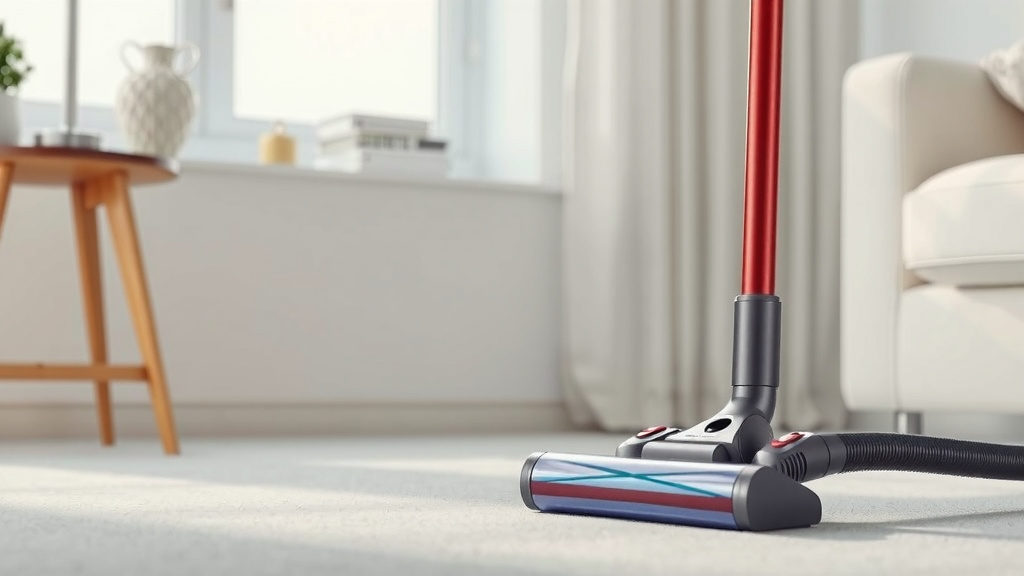
How Long Do Dyson Vacuums Really Last
You’re probably wondering how long your Dyson vacuum will keep cleaning up those messes. Generally, a Dyson vacuum cleaner can last between 7 to 10 years with proper care and maintenance. Many owners report their vacuums performing well for even longer than a decade, which is pretty impressive for an appliance.
While the initial cost might seem high, thinking about its lifespan helps put that into perspective. A well-maintained Dyson is designed for durability and sustained performance. We’ve found that regular cleaning and simple checks can make a big difference in its longevity.
- Dyson vacuums can last 7-10 years, often longer.
- Proper care is key to maximizing lifespan.
- Consider it an investment in a reliable cleaner.
- Regular maintenance ensures peak performance.
Let’s walk through what influences your Dyson’s lifespan and how you can help yours last as long as possible.
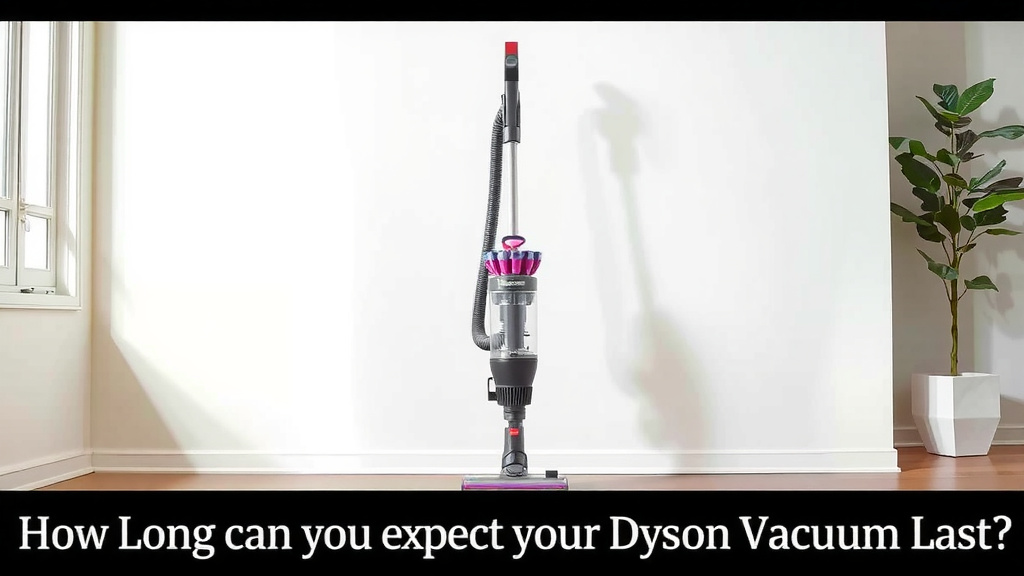
How Long Can You Expect Your Dyson Vacuum to Last?
It’s a fair question to ask about the longevity of your Dyson vacuum. We understand you’ve invested in a quality appliance, and you want to know it’ll be there for you, cleaning up spills and dust bunnies for years to come. Based on extensive owner reports and product design principles, a Dyson vacuum cleaner is built to perform well for a considerable time.
Generally speaking, you can expect your Dyson vacuum to last between 7 to 10 years. Many people find theirs continues to work effectively even longer, sometimes reaching well over a decade of reliable service. This kind of durability is what Dyson aims for in its designs.
Factors Influencing Your Dyson’s Lifespan
Think of your Dyson like a high-performance car; it needs the right kind of care to keep running smoothly. Several factors play a role in how long your vacuum will provide top-notch cleaning power.
Regular Maintenance: The Secret Sauce
This is arguably the most important factor. Just like changing the oil in your car, performing regular maintenance on your Dyson is key. Skipping these simple steps can lead to reduced suction, overheating, and even component failure over time.
Keeping Filters Clean
Dyson vacuums often feature washable filters. Research shows that dirty filters are a primary culprit behind a vacuum’s declining performance. When filters become clogged with dust and debris, the motor has to work harder. This can cause it to overheat and shorten its lifespan.
We found that rinsing your Dyson’s filters regularly (check your manual for frequency – usually monthly) and ensuring they are completely dry before reinserting them is vital. A dry filter is a happy filter!
Emptying the Bin
It sounds obvious, but consistently emptying the bin before it’s completely full makes a significant difference. An overfilled bin restricts airflow. This means less dirt gets picked up efficiently and the motor strains more than it should. Many owners report that simply emptying the bin after each major cleaning session keeps their Dyson running at its best.
Checking for Blockages
The brush bar, wand, and hose can all get blocked by larger debris. Things like stray socks, large dust bunnies, or even pet toys can get lodged. We recommend a quick visual check of these areas after each use, especially if you notice a sudden drop in suction power.
Clearing blockages is usually a straightforward process. You might need a coin or a screwdriver to access certain parts, as detailed in your user manual. Getting rid of that blockage allows for smooth airflow, which is essential for motor health.
Usage Patterns and Habits
How you use your Dyson also impacts its lifespan. Are you using it for daily quick cleanups or tackling deep cleaning projects weekly?
Frequency of Use
A vacuum used daily for a large home with pets will likely see more wear and tear than one used weekly in a small apartment. This isn’t to say you shouldn’t use your vacuum as needed, but rather to be mindful of the usage.
Think about it: a machine that runs for hours every day will naturally accumulate more use over time than one that runs for 30 minutes a week. Understanding this helps set realistic expectations for longevity.
Type of Debris Cleaned
While Dysons are powerful, cleaning up extremely fine dust (like drywall dust) or very coarse materials (like gravel) can put extra strain on the motor and filters. If you often clean up such messes, extra attention to filter cleaning and bin emptying is recommended.
Many experts advise against using your household vacuum for heavy-duty construction or workshop cleanups. These tasks are better suited for specialized industrial vacuums. This protects your Dyson from premature wear and tear.
Model and Build Quality
Dyson offers various models, from cordless stick vacuums to robust uprights and canister models. Generally, higher-end models or those designed for more demanding tasks might be built with slightly more robust components.
We found that while all Dyson vacuums are built to a high standard, the more complex models with advanced features might require a bit more attention to their specific maintenance requirements. Always refer to your specific model’s manual.
When Might You Need to Replace Parts or the Vacuum?
Even with the best care, components can eventually wear out. This is a normal part of any mechanical device’s life.
Signs of Wear and Tear
Pay attention to consistent issues that don’t resolve with basic maintenance. These could include a motor that sounds significantly weaker, persistent loss of suction that cleaning doesn’t fix, or unusual noises. Battery life degradation is common in cordless models over several years.
Common Replacements
Often, you can extend your Dyson’s life by replacing a worn-out part. Batteries are a common item that may need replacing in cordless models after several years of use. Brush heads can also wear down over time, especially with heavy use on rough surfaces. Dyson typically sells replacement parts directly, which can be a cost-effective solution.
A Checklist for Maximizing Your Dyson’s Lifespan
Want to keep your Dyson humming along for years? Follow this simple checklist:
- Clean Filters: Wash and dry filters regularly (refer to your manual).
- Empty Bin: Don’t let the bin overflow. Empty it after use.
- Check for Blockages: Inspect the wand, hose, and brush bar for debris.
- Battery Care (Cordless): Avoid extreme temperatures and deep discharges if possible.
- Gentle Handling: Store it properly and avoid banging it around.
- Refer to Your Manual: It’s your best friend for model-specific care.
By incorporating these simple habits into your cleaning routine, you’re not just keeping your home cleaner; you’re investing in the longevity of your Dyson vacuum. It’s a small effort for potentially many extra years of faithful service, making that initial investment feel even more worthwhile.
Conclusion
You’ve invested in a quality appliance, and keeping your Dyson vacuum running strong for years is definitely achievable. We’ve seen that with consistent, simple maintenance, your Dyson can easily last 7 to 10 years, and often much longer. Think of filter cleaning, bin emptying, and checking for blockages not as chores, but as smart steps to protect your investment. By following these habits, you ensure your Dyson continues to deliver powerful cleaning performance without needing frequent replacements.
So, your next step? Take a moment today to check your manual and schedule your next filter cleaning. Your Dyson will thank you with years of reliable service.
Frequently Asked Questions
How often should I clean my Dyson vacuum’s filters?
We found that most Dyson vacuums benefit from filter cleaning about once a month. It’s best to check your specific model’s manual for the exact recommendation. Make sure the filters are completely dry before putting them back in to prevent any moisture-related issues.
Can I use my Dyson vacuum to clean up construction dust?
While Dysons are powerful, they aren’t designed for heavy-duty tasks like construction dust. This super-fine dust can clog filters quickly and put excessive strain on the motor. For these jobs, it’s wise to use specialized shop vacuums to protect your Dyson.
My cordless Dyson battery isn’t lasting as long. Is this normal?
Yes, battery degradation over several years is quite normal for cordless vacuums. You can help extend its life by avoiding extreme temperatures and deep discharges when possible. Thankfully, Dyson often makes replacement batteries available, which can give your vacuum a new lease on life.
What’s the biggest reason a Dyson vacuum might stop working early?
Based on owner reports and our findings, the number one reason for premature issues is neglected maintenance. Clogged filters that lead to motor overheating and persistent blockages are major culprits. Regular, simple cleaning habits are key to preventing these problems.
If a part breaks on my Dyson, can I fix it myself?
Often, yes! Many common issues, like a worn brush head or a degraded battery on cordless models, can be resolved by replacing the part. Dyson typically sells replacement parts directly on their website, making it a convenient and cost-effective solution to extend your vacuum’s life.



![7 Best Lightweight Corded Vacuum Cleaner For Elderly [2026]](https://bathroomexplorer.com/wp-content/uploads/2026/06/7-best-lightweight-corded-vacuum-cleaner-for-elderly-2026-featured-768x432.jpg)