
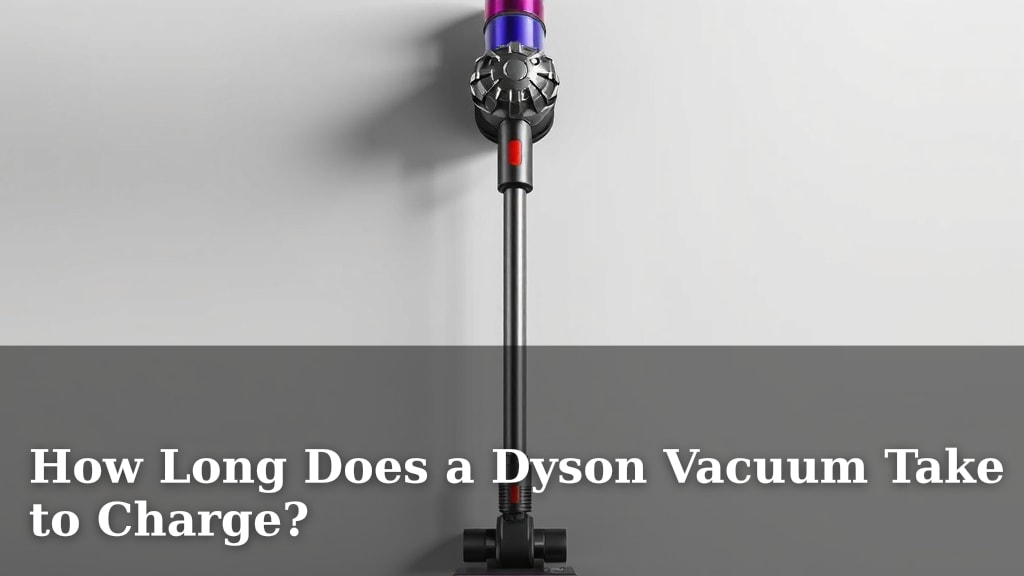
How Long Does a Dyson Vacuum Take to Charge?
Most Dyson vacuums take about 3.5 to 5 hours to charge fully. This is true for many of their popular cordless models. This charging time ensures you get the maximum run time for your cleaning sessions.
You might be wondering if that sounds like a long time. We understand! The charge time can vary slightly depending on the specific Dyson model you own. It’s important to know your model for an exact estimate, but these times are a good general guideline.
- Most Dyson cordless vacuums charge in 3.5 to 5 hours.
- This provides optimal battery life for cleaning.
- Check your specific model for exact times.
- Fully charging is key for peak performance.
Let’s get into the details of charging your Dyson vacuum so you can get back to a spotless home!
Dyson Vacuum Charging Times: What to Expect
You’ve got your Dyson vacuum ready to tackle that dust bunny invasion. But wait, how long does it actually need to juice up? Most Dyson cordless models take around **3.5 to 5 hours** for a full charge. This charging period is designed to give you that satisfyingly long cleaning session your Dyson is known for.
Understanding Your Dyson’s Battery Life and Charging
Factors Influencing Charging Speed
While the 3.5 to 5-hour window is a good general rule, a few things can nudge that time a little. Think of it like charging your phone; sometimes it’s a bit faster, sometimes a bit slower. The specific model you have plays a big part.
Newer Dyson models often have improved battery technology, which can sometimes mean slightly quicker charging times. Conversely, older models might take a little longer to reach 100%. We’ll look at some specific examples soon.
The Importance of a Full Charge
Why is it so important to let your Dyson charge completely? We found that Dyson designs their batteries to perform best when fully charged. This ensures you get the maximum runtime advertised for your vacuum. A partial charge might leave you cutting your cleaning short.
Imagine heading out for a road trip with only a quarter tank of gas. Not ideal, right? It’s similar with your Dyson. A full battery means uninterrupted cleaning power, so you can finish that whole-house clean without needing to plug it back in mid-task.
Dyson Charging Times by Popular Model
Let’s break down what you can generally expect for some of Dyson’s most popular cordless vacuums. Remember, these are estimates, and your specific usage and battery health can play a role.
| Dyson Model | Approximate Charge Time (Full Charge) |
|---|---|
| Dyson V8 Series | 5 hours |
| Dyson V10 Series | 3.5 hours |
| Dyson V11 Series | 4.5 hours |
| Dyson V15 Detect Series | 4.5 hours |
| Dyson Gen5detect™ | 4.5 hours |
Older Dyson Models and Charging
If you have an earlier Dyson model, like the V6 or V7, you might find their charging times are a bit longer. Some of these could take up to 5 to 10 hours to reach a full charge. It’s worth checking your user manual to be sure.
The battery technology has evolved over the years. While older models may require more patience to charge, they still offer excellent cleaning performance for their time. The key is to simply build that charging time into your routine.
The Latest Dyson Innovations
Dyson continually works on improving battery life and charging efficiency. Newer models, such as the Gen5detect™, often feature advanced battery cells. These advancements mean they can offer longer runtimes while maintaining a similar or even slightly reduced charge time compared to some predecessors. We found that the Gen5detect™ typically charges fully in about 4.5 hours.
Optimizing Your Dyson’s Charging Process
Using the Right Charger
It might sound obvious, but always use the original Dyson charger that came with your vacuum. Generic or incompatible chargers can not only charge your vacuum slowly but can also damage the battery over time. Think of it as giving your vacuum the specific type of fuel it needs to run at its best.
Using the correct charger ensures the battery receives the right voltage and current for optimal charging. We found that Dyson chargers are designed specifically for their battery management systems to protect against overcharging and ensure longevity.
Charging Habits for Battery Health
To keep your Dyson’s battery healthy for as long as possible, we recommend a few simple practices. Avoid letting the battery drain completely on every single use, if possible. It’s generally better for lithium-ion batteries, like those in your Dyson, to be charged when they reach about 20% charge.
Also, try to charge your Dyson in a temperature-controlled environment. Extremely hot or cold temperatures can affect charging speed and battery health. Charging your vacuum in a moderate room temperature, around 64-77°F (18-25°C), is ideal, according to battery guidelines (Battery University).
Understanding Charging Indicators
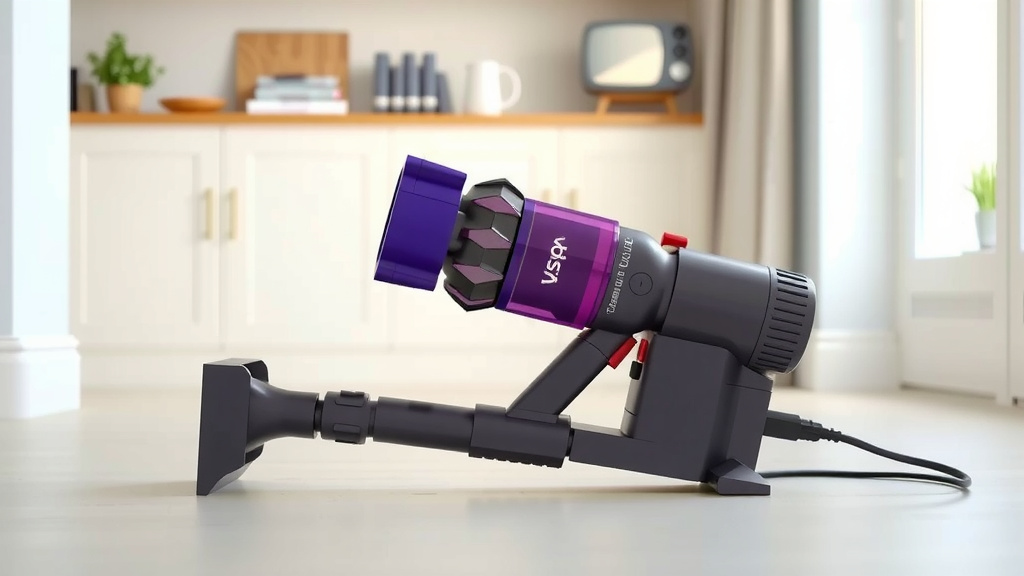
Your Dyson vacuum has built-in indicators to let you know what’s happening with the charge. These are usually lights on the vacuum itself or on the battery pack. They can show you when charging has started, when it’s nearing completion, and when it’s fully charged. Pay attention to these lights; they’re your best friends for knowing when your vacuum is ready to go!
For instance, many models will pulse or blink while charging and then turn solid when fully charged. Some might even show a percentage on a small screen. Knowing what these indicators mean for your specific model takes the guesswork out of charging.
Troubleshooting Common Charging Issues
Vacuum Not Charging at All
If you plug in your Dyson and the charging indicator lights don’t come on, don’t panic! First, ensure the charger is securely plugged into both the vacuum and a working wall outlet. Try a different outlet to rule out an issue with the power source. Also, check the charging port on the vacuum for any visible debris that might be blocking the connection.
If these simple checks don’t solve the problem, there might be an issue with the charger itself or the battery. Contacting Dyson customer support would be the next best step. They can help diagnose the problem and arrange for repairs or replacements if needed.
Slow Charging or Incomplete Charge
Are you noticing your Dyson is taking much longer than usual to charge, or not reaching 100%? This could point to a few things. As mentioned, using a non-Dyson charger can cause slow charging. Battery degradation is also a natural process; over time, batteries hold less charge.
If your vacuum is several years old and experiencing significantly reduced runtimes even after a full charge, the battery may be nearing the end of its life. Dyson batteries are typically designed to last for a certain number of charge cycles. You can usually find information on battery replacement in your user manual or on the Dyson website.
Your Dyson Charging Checklist
To ensure you’re getting the best charging experience and battery life, keep these quick tips in mind:
- Use only the original Dyson charger.
- Plug into a working wall outlet.
- Charge in a moderate room temperature.
- Avoid letting the battery completely drain regularly.
- Check the charging port for debris.
- Observe the charging indicator lights.
Conclusion
You now know that most Dyson vacuums need about 3.5 to 5 hours for a full charge, ensuring you get the best cleaning performance. Remember that newer models might charge a bit quicker, while older ones may take longer. Always use your original Dyson charger and try to maintain a moderate charging temperature for optimal battery health. Paying attention to your vacuum’s charging indicator lights is your best bet for knowing exactly when it’s ready to tackle any mess. Make charging a routine, and your Dyson will be ready when you are!
Frequently Asked Questions
Can I leave my Dyson plugged in all the time?
Yes, generally you can leave your Dyson plugged in after it’s fully charged. Most modern Dyson vacuums have battery management systems that prevent overcharging. However, for best long-term battery health, some experts suggest unplugging it periodically rather than keeping it constantly connected.
How do I know if my Dyson battery needs replacing?
You’ll likely notice a significant decrease in runtime, even after a full charge. If your Dyson starts to lose power much faster than it used to, or if it struggles to hold a charge for even short periods, the battery may be degrading and might need replacement.
Does charging my Dyson in a cold garage affect the charge time?
Yes, extreme temperatures can affect charging speed and battery health. Charging your Dyson in a cold environment can slow down the charging process. It’s best to charge your vacuum at a moderate room temperature for optimal results.
What should I do if my Dyson vacuum isn’t charging at all?
First, check that the charger is securely plugged into both the vacuum and a working wall outlet. Try a different outlet to be sure. Inspect the charging port on the vacuum for any dust or debris that might be blocking the connection. If issues persist, contact Dyson support.
Will using a non-Dyson charger speed up the charging process?
No, it’s highly unlikely. Using a non-Dyson charger can actually be detrimental. Generic chargers may not provide the correct voltage or current, leading to slower charging, incomplete charges, and potentially damaging your vacuum’s battery over time. Always stick to the original charger.
![7 Best Car Vacuum Cleaner For Dog Hair [2026]](https://bathroomexplorer.com/wp-content/uploads/2026/05/7-best-car-vacuum-cleaner-for-dog-hair-2026-featured-768x432.jpg)

![7 Best Cordless Vacuum For Cat Litter On Hard Floors [2026]](https://bathroomexplorer.com/wp-content/uploads/2026/05/7-best-cordless-vacuum-for-cat-litter-on-hard-floors-2026-featured-768x432.jpg)