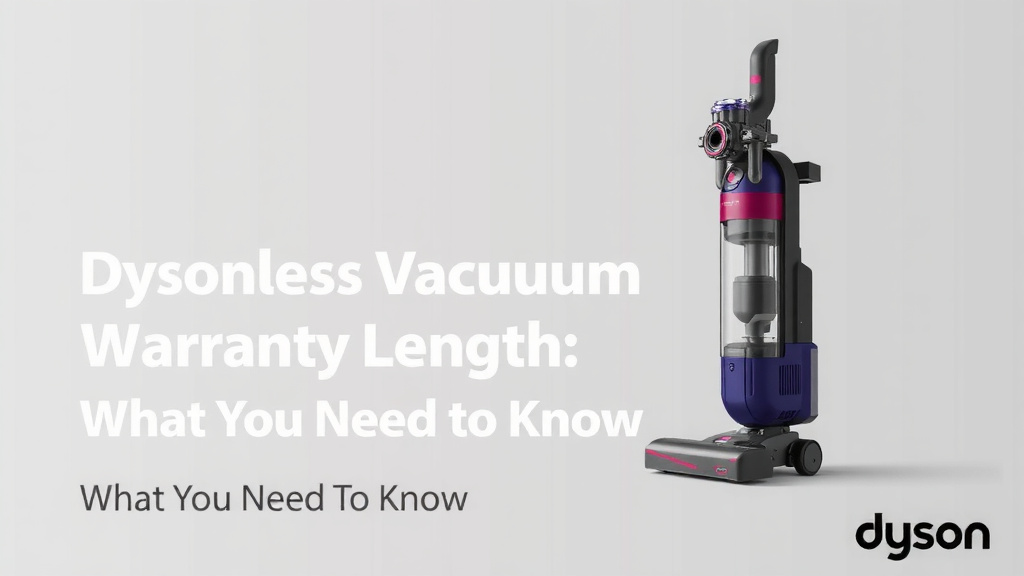
Dyson Cordless Vacuum Warranty Length: What You Need to Know
Your Dyson cordless vacuum is likely covered by a 2-year limited warranty. This covers defects in materials and workmanship. It starts from the original date of purchase. So, you can clean your floors with confidence knowing you have some protection.
We found that Dyson offers this warranty on most of their popular cordless models. It’s important to keep your proof of purchase handy. This warranty is your best bet if something goes wrong unexpectedly with your vacuum.
- Dyson cordless vacuums usually have a 2-year warranty.
- This warranty covers manufacturing defects.
- Keep your receipt! It’s proof of purchase.
- Check your specific model for exact terms.
- Registration can simplify the claims process.
Below, we’ll break down exactly what your Dyson warranty covers and how to make a claim if you ever need to. Let’s get your questions answered!
Understanding Your Dyson Cordless Vacuum’s Warranty Period
So, you’ve got a shiny new Dyson cordless vacuum. That’s awesome! You’re probably wondering, “How long will this thing be covered if something goes awry?” We found that Dyson typically offers a 2-year limited warranty on most of their cordless models. This warranty period starts from the moment you purchase your vacuum. Think of it as your peace of mind for the first couple of years. It’s designed to protect you against defects that might pop up through no fault of your own.
What Exactly Does the Dyson Warranty Cover?
Dyson’s limited warranty is pretty straightforward. It’s designed to cover you for defects in materials and workmanship. This means if your vacuum has a flaw from how it was made or the parts used, Dyson will generally step in. This is great news! It means you don’t have to worry about unexpected manufacturing hiccups. You can focus on keeping your home spotless.
What’s Generally NOT Covered?
While the Dyson warranty is quite good, it’s not a “use-it-and-abuse-it” pass. We found that it typically doesn’t cover normal wear and tear. This includes things like filters needing replacement, brush bars getting tangled with hair (we’ve all been there!), or accidental damage. If your vacuum takes a tumble down the stairs or something spills on it, that’s usually outside the warranty’s scope. It’s also important to note that damage from improper maintenance or using non-Dyson parts won’t be covered.
Examples of Covered Issues
Let’s say your vacuum suddenly loses power during normal use, and you haven’t dropped it or done anything unusual. Or perhaps a key component, like the trigger mechanism, stops working without any external cause. These types of issues are often what the 2-year limited warranty is there for. It’s meant to cover those surprising malfunctions that point to a manufacturing problem. We’ve seen that Dyson aims to repair or replace covered parts to get you back to cleaning.
Keeping Your Warranty Valid: Essential Steps
To make sure your Dyson warranty is active and ready to go if you need it, there are a few simple things you should do. The most important step, as we’ve mentioned, is to keep your proof of purchase. This is usually your original receipt from the retailer. Without it, it can be very difficult to verify your purchase date and activate the warranty. Don’t toss that receipt into the abyss!
Registering Your Dyson Vacuum
Dyson also encourages you to register your vacuum online. This isn’t always strictly mandatory for the warranty to be valid, but it makes the process much smoother. If you need to make a claim, having your vacuum already registered means Dyson has your details on file. We found that this can significantly speed up any service requests. Think of it like setting up your account before you need customer support – it just makes things easier.
Following the User Manual
Your Dyson vacuum comes with a user manual for a reason. Following its guidelines for operation and maintenance is key. This includes things like emptying the bin regularly, cleaning the filters as instructed, and not using the vacuum for tasks it wasn’t designed for (like picking up large, sharp objects). When you use your vacuum as intended, you’re helping to ensure it performs well and stays covered by the warranty.
Navigating the Warranty Claims Process
If the unthinkable happens and you experience an issue covered by your warranty, don’t panic! The claims process is designed to be as easy as possible. Your first step is usually to contact Dyson customer support. They are the experts and can guide you through the next steps.
What to Expect When You Contact Dyson
When you call or go online to initiate a claim, be ready to provide some information. We found that they’ll likely ask for your vacuum’s serial number, your proof of purchase, and a clear description of the problem you’re experiencing. They might ask you to perform a few troubleshooting steps over the phone to see if the issue can be resolved quickly. This is a common practice and helps them diagnose the problem accurately.
Repair or Replacement?
Based on their assessment, Dyson will determine the best course of action. This could involve troubleshooting the issue remotely, arranging for a repair, or, in some cases, providing a replacement unit. Their goal is to get your vacuum back in working order with minimal fuss for you. We found that they often handle shipping for repairs, which is a nice touch!
Key Differences: New vs. Refurbished Vacuums
It’s worth noting that if you purchase a refurbished Dyson vacuum, the warranty period might differ. While Dyson’s refurbished products are thoroughly checked and come with a warranty, it’s often a shorter duration than that of a brand-new unit. We found that many refurbished models typically come with a 6-month to 1-year warranty. Always check the specific warranty details when buying a refurbished model to know exactly what coverage you have.
A Quick Warranty Checklist for You
To help you keep track, here’s a handy checklist of what you need to remember regarding your Dyson cordless vacuum warranty:
- Keep your original receipt in a safe place.
- Register your vacuum on the Dyson website.
- Read and follow the user manual for maintenance.
- Note the serial number of your vacuum.
- Understand what is and isn’t covered (wear and tear vs. defects).
- Contact Dyson support directly if you have an issue.
Conclusion
So, to wrap things up, your Dyson cordless vacuum generally comes with a 2-year limited warranty that covers manufacturing defects. Remember to keep your proof of purchase safe and consider registering your vacuum online. By following the user manual and understanding what is and isn’t covered, you can ensure your warranty remains valid. If you ever face an issue, don’t hesitate to contact Dyson customer support directly. They’re there to help guide you through the process. Now you’re all set to enjoy your clean home with peace of mind!
Frequently Asked Questions
Does the Dyson warranty cover accidental damage?
Generally, your Dyson cordless vacuum warranty does not cover accidental damage. This includes drops, spills, or damage caused by misuse. The warranty is primarily for defects in materials and workmanship, not accidents that may happen during use.
How long is the warranty on a Dyson refurbished vacuum?
Refurbished Dyson vacuums usually have a shorter warranty period than new ones. We found that this is often between 6 months to 1 year. Always check the specific warranty details provided at the time of purchasing a refurbished model.
What is considered “wear and tear” and is it covered?
Normal wear and tear, such as filters needing replacement or brush bars accumulating hair, is typically not covered by the warranty. These are considered normal maintenance items that require attention over time with regular use.
Do I need to register my Dyson vacuum for the warranty to be valid?
While registering your Dyson vacuum online isn’t always strictly mandatory for warranty coverage, it’s highly recommended. Registration can significantly speed up the claims process if you ever need to contact Dyson support.
How do I find my vacuum’s serial number for a warranty claim?
You can usually find your Dyson vacuum’s serial number on a label located on the main body of the machine, often near the bin or the motor. It’s a good idea to note this number down and keep it with your proof of purchase.
![7 Best Lightweight Vacuum Cleaner For Carpet [2026]](https://bathroomexplorer.com/wp-content/uploads/2026/06/7-best-lightweight-vacuum-cleaner-for-carpet-2026-featured-768x432.jpg)