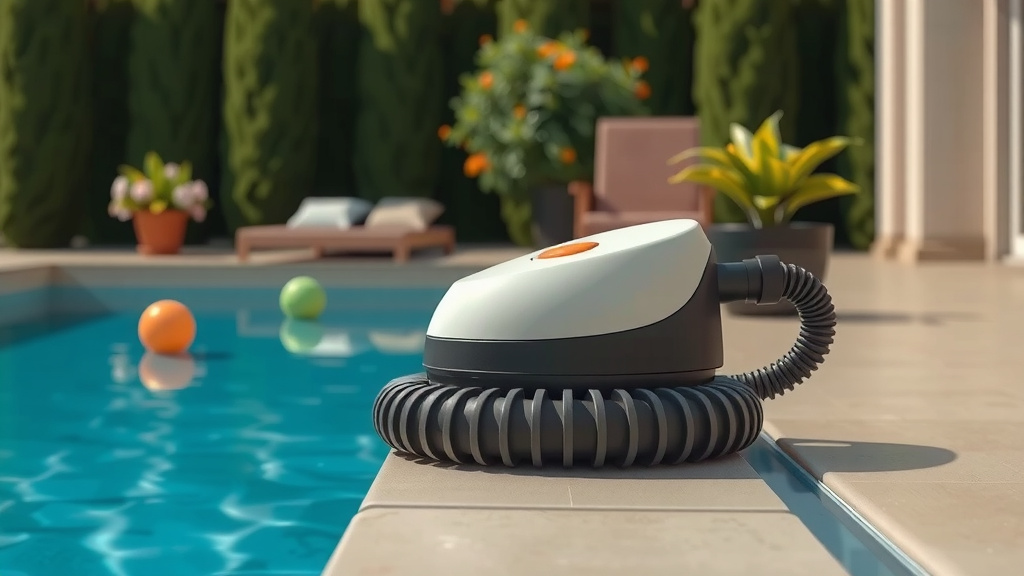
How Long Should Your Automatic Pool Vacuum Run
The ideal runtime for your automatic pool vacuum is typically 3 to 5 hours per cycle, but it truly depends on your pool’s size and debris level. Running it for too short a time might leave dirt behind, while running it too long is simply a waste of energy. We found that most robotic cleaners work best with consistent, shorter runs.
Understanding how long to run your automatic pool cleaner is key to maintaining a sparkling pool without overworking your equipment. Factors like how much your pool is used and the types of debris it collects play a big role. It’s about finding that sweet spot for optimal cleaning and energy efficiency.
- Run your automatic pool cleaner for 3-5 hours generally.
- Adjust runtime based on pool size and debris.
- Shorter, consistent cycles are often more effective.
- Don’t run it excessively to save energy.
Let’s dive into how to figure out the perfect cleaning schedule for your pool and get that vacuum working smarter, not harder.
Determining the Right Running Time for Your Automatic Pool Vacuum
So, you’ve got this nifty automatic pool cleaner, and you’re wondering, “Just how long should this thing run?” It’s a common question, and the answer isn’t a one-size-fits-all magic number. We found that most robotic cleaners work best with consistent, shorter runs rather than one marathon session. Think of it like this: would you rather do one big, exhausting cleaning spree, or keep things tidy with a little bit of work every day? Your pool likely prefers the latter.
The main goal is to effectively remove debris without wasting electricity or overworking your cleaner. Running it for too little time means dirt might still be lurking. Running it for far too long is like leaving the washing machine on after the clothes are dry – totally unnecessary and a drain on your wallet.
Understanding Your Pool’s Needs
Your pool isn’t a static environment. It’s a living, breathing (well, sort of!) space that collects all sorts of things. The amount and type of debris your pool gathers are the biggest clues. Are you in an area with lots of trees? Do you have pets that love to splash around? All these factors play a role.
Leafy Environments vs. Minimal Debris
If your backyard is a popular hangout for oak trees or your pool frequently becomes a landing strip for errant leaves, you’ll likely need a longer run time. Leaves, twigs, and even flower petals are bulky and can clog up a cleaner quickly. We found that pools in heavily wooded areas often benefit from a longer cleaning cycle, maybe closer to the 5-hour mark, or even two shorter cycles per day.
On the flip side, if your pool is in a more open area with little tree cover, you might find that a shorter, more frequent run is perfectly sufficient. Think of it as a light dusting versus a major spring cleaning. Less mess means less time needed to clean it up.
Usage Patterns Matter
How often do you and your family use the pool? High usage means more sunscreen, oils, and general pool party debris. Many experts suggest that if your pool sees a lot of action, it’s wise to run the cleaner more frequently. This prevents the dirt from settling and becoming harder to remove. Research from pool maintenance professionals indicates that daily runs, even if shorter, are often superior for busy pools.
A pool that’s used less often might get away with running every couple of days. The key is to observe. Does the bottom look clear after a run? Are there any dusty spots or accumulating gunk? Your pool will tell you what it needs!
Typical Runtime Recommendations and How to Adjust Them
Most manufacturers design their automatic pool cleaners with a default cleaning cycle. This is usually somewhere between 3 to 5 hours. This is a good starting point for many pools, but it’s far from the final word. We found that this range covers a good majority of typical cleaning needs.
The best approach is to treat this recommended time as a baseline. You then adjust it based on your observations. It’s like tasting a recipe – you start with the recommended ingredients, then you tweak the seasonings to your liking. Your pool’s “recipe” for cleaning involves a bit of trial and error.
Running Your Cleaner for the Optimal Duration
We often hear people wonder if running their cleaner for 8 hours straight is better. While more isn’t always better, neither is too little. For most robotic cleaners, a single cycle of 3-5 hours is sufficient to cover the entire pool thoroughly. Running it for much longer is generally a waste of energy.
Many pool service professionals recommend running your cleaner every day or every other day. This consistency helps prevent debris from accumulating. Think of it as sweeping your floor daily versus waiting for a huge mess to build up. Shorter, more frequent cleaning sessions are often more effective at keeping the pool sparkling.
When to Extend the Run Time
As we touched on, if you have a particularly large pool or a lot of debris, you might need to extend the cycle. Some advanced cleaners allow you to customize cycle times. If yours doesn’t, you might need to simply restart the cleaning cycle after the first one finishes. This is perfectly acceptable and often more effective than a single, overly long run.
For instance, if your cleaner finishes its 3-hour cycle and there’s still noticeable debris, let it run for another 2-3 hours. It’s about achieving a truly clean surface, not just hitting a time limit. This is especially true after a big storm or a pool party.
When to Shorten the Run Time
Conversely, if you notice your pool is exceptionally clean after just 2 hours, and there’s barely any debris collected, you might be able to shorten the cycle. This saves energy and reduces wear and tear on your cleaner. We found that some users can get away with a 2-hour cycle if their pool is well-maintained and has minimal debris.
The key here is to monitor the cleaner’s performance and the pool’s cleanliness. If it’s consistently finishing its job well before the allotted time, don’t be afraid to dial it back. Smart cleaning means working efficiently.
Energy Efficiency and Cleaner Longevity
Beyond just a clean pool, you’re probably thinking about your electricity bill and how long your cleaner will last. Running your automatic pool vacuum unnecessarily long is like leaving the lights on in an empty room – wasted energy. Most modern cleaners are designed to be relatively energy-efficient, but every hour counts.
Furthermore, excessive running can lead to premature wear and tear. Motors work harder, brushes spin longer, and filters get clogged more often. Giving your cleaner a break when it’s not needed is good for its health, just like rest is good for yours. Many manufacturers suggest avoiding continuous operation unless absolutely necessary.
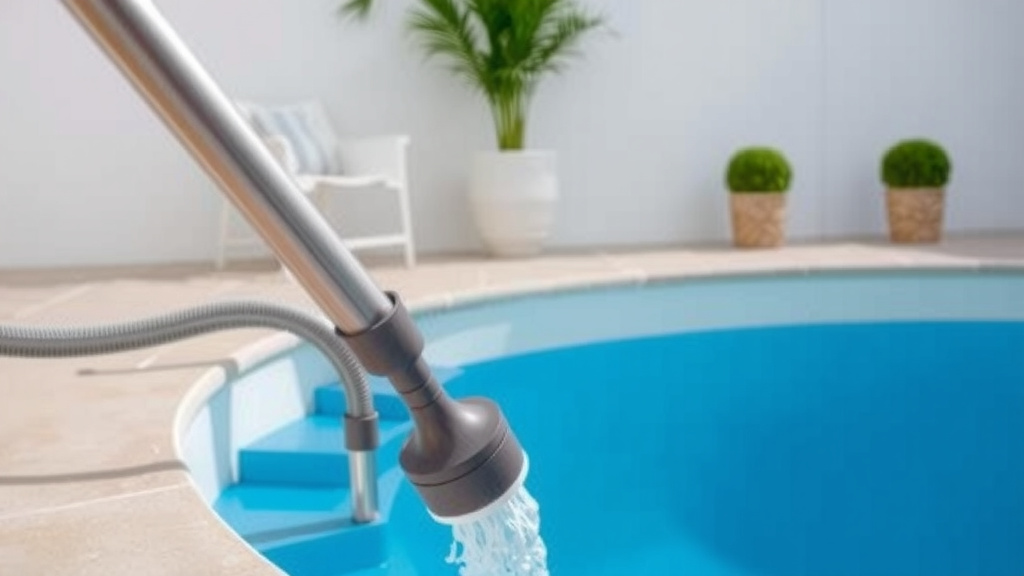
Tips for Optimizing Your Pool Cleaner’s Schedule
Getting the most out of your automatic pool cleaner is all about smart scheduling and a little bit of observation. It’s not just about plugging it in and forgetting about it. We’ve gathered a few tips that many pool owners find helpful in achieving that perfect balance.
Here’s a quick checklist to help you fine-tune your pool cleaning routine:
- Observe your pool: Note how quickly it gets dirty.
- Check the debris basket: Empty it regularly.
- Adjust run times: Shorten or lengthen as needed.
- Schedule consistency: Aim for regular cleaning cycles.
- Consider pool usage: Run more often when the pool is busy.
- Listen to your cleaner: Does it sound like it’s working too hard?
By following these simple guidelines, you can ensure your automatic pool cleaner does its job effectively, keeping your pool inviting without causing unnecessary strain on your equipment or your budget. Remember, a clean pool is a happy pool, and a smart cleaning schedule makes everyone happy!
Conclusion
You’ve learned that the best run time for your automatic pool vacuum isn’t a set number, but a dynamic adjustment. We found that a consistent 3 to 5 hours is a great starting point, but your pool’s unique needs matter most. Keep an eye on debris levels and usage patterns. Shorter, more frequent cycles often keep your pool cleaner and save energy. By observing your pool and making small tweaks, you’ll find the sweet spot. Your next step is simple: check your pool after its next scheduled run and adjust the timer if needed.
Frequently Asked Questions
How often should I run my automatic pool vacuum?
For most pools, running your automatic vacuum daily or every other day is ideal. This consistent cleaning prevents debris from settling and becoming hard to remove. The exact frequency depends on how quickly your pool collects dirt and leaves.
Can I just leave my automatic pool vacuum running all day?
No, it’s generally not recommended to leave your automatic pool vacuum running all day. Most cleaners are designed for cycles of 3-5 hours. Running it excessively wastes energy and can cause unnecessary wear and tear on the equipment.
What happens if I run my pool vacuum for too short a time?
If you run your pool vacuum for too short a time, debris like leaves, dirt, and sand might not get fully cleaned from the pool floor. You’ll likely notice spots missed or dirt accumulating in corners, requiring you to run it again soon.
Does the size of my pool affect how long I should run the vacuum?
Yes, pool size is a major factor. Larger pools typically require longer run times to ensure the entire surface is covered. Smaller pools may be cleaned effectively in shorter cycles, perhaps 2-3 hours instead of the full 3-5 hours.
Should I run my pool vacuum longer after a big storm or party?
Absolutely. After events that generate a lot of debris, like a strong storm or a busy pool party, you should definitely extend the run time or run it for an extra cycle. This ensures all the extra dirt and leaves are removed effectively.