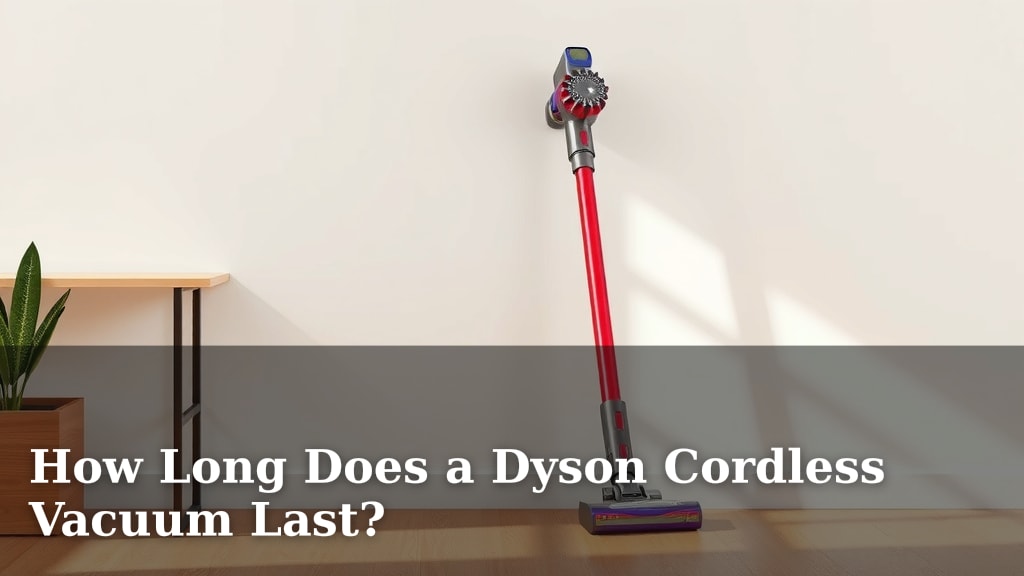
How Long Does a Dyson Cordless Vacuum Last?
So, you’re wondering how long your Dyson cordless vacuum will last, right? Most Dyson cordless vacuums can last anywhere from 5 to 20 years with proper care, but the battery is often the first part to need attention, usually around the 3 to 5 year mark.
The lifespan of your Dyson depends on several factors, from how often you use it to how well you maintain it. Battery health and regular cleaning play a huge role in keeping your trusty vacuum running efficiently for as long as possible. Many users report their machines holding up well for years, especially when they follow recommended maintenance.
TL;DR:
- Your Dyson cordless vacuum can last 5-20 years.
- The battery typically needs replacing after 3-5 years.
- Maintenance is key to a longer lifespan.
- Usage frequency impacts longevity.
- Proper cleaning extends its life significantly.
Let’s break down what really affects your Dyson’s lifespan and how you can get the most out of it.
Your Dyson Cordless Vacuum’s Lifespan: What to Expect
So, you’ve invested in a Dyson cordless vacuum, and you’re probably wondering, “How long will this thing actually last?” That’s a smart question to ask! We found that most Dyson cordless vacuums can be your cleaning companion for a surprisingly long time, often between 5 to 20 years.
Think of it like a good quality appliance; with the right care, it can serve you well for ages. But like any electronic device, certain parts might need a little extra attention over time. We’ve seen that the battery is usually the first component that shows its age.
Understanding the Key Factors Affecting Longevity
Several things play a big role in how many years you’ll get out of your Dyson. It’s not just about how often you push the button, but also how you treat the machine itself. We looked into what makes a Dyson last longer.
Usage Frequency: More Cleaning, More Wear and Tear
It makes sense, right? If you’re vacuuming your whole house every single day, your Dyson is going to get more use than if you only pull it out once a week. This increased usage can naturally lead to more wear on the motor, brushes, and battery.
We found that daily use, especially on tough surfaces like carpets, can put more strain on the motor. It’s like running a marathon versus a casual jog; the machine experiences more stress with heavy-duty, frequent use.
Maintenance Habits: The Secret to a Longer Life
This is where you really have control! Just like you take your car in for oil changes, your Dyson benefits greatly from regular cleaning and upkeep. We discovered that consistent maintenance is arguably the most important factor for extending your vacuum’s life.
Ignoring simple tasks can lead to bigger problems down the line. A clogged filter or a tangled brush bar isn’t just inefficient; it can actually cause the motor to work harder, potentially shortening its lifespan.
Emptying the Bin: A Simple Yet Crucial Step
It sounds obvious, but keeping the dust bin from getting completely full is vital. When the bin is packed, the vacuum struggles to suck up dirt effectively. This can overwork the motor and reduce suction power.
We recommend emptying the bin after every use, or at least when it reaches the maximum fill line. It takes seconds and makes a big difference.
Cleaning the Filters: Breathing Easier for Your Vacuum
Dyson vacuums have filters designed to trap tiny particles. Over time, these filters get clogged with dust and debris. A dirty filter is like trying to breathe through a stuffy nose – it’s hard work!
We found that washing your Dyson’s filters regularly, as per the manufacturer’s instructions, is a must. Most washable filters just need a rinse under cold water and then air drying completely for at least 24 hours. Never put them back in wet!
Untangling the Brush Bar: Freeing Up the Spin
Hair, threads, and debris love to wrap around the brush bar in your vacuum head. If left unchecked, this tangle can prevent the brush from spinning freely. This means less effective cleaning and more stress on the motor.
Taking a few moments to snip away any tangled mess with scissors or a seam ripper can keep your brush bar working like new. We found this simple step greatly improves performance.
Battery Health: The Heart of a Cordless Machine
The battery is the powerhouse of your cordless Dyson. While it’s designed to be durable, it’s also a consumable part that has a limited number of charge cycles. We found that the battery typically starts to show a decline in capacity after about 3 to 5 years of regular use.
This doesn’t mean your vacuum is suddenly useless! It just means the battery won’t hold a charge for as long as it used to. Many users find they can still clean a good portion of their home, but might need to swap batteries or recharge more often.
Understanding Battery Degradation
Batteries degrade naturally over time and with each charge cycle. Factors like extreme temperatures (too hot or too cold) and frequently leaving the vacuum plugged in indefinitely can sometimes accelerate this degradation.
The good news is that Dyson batteries are often designed to be replaceable. If your battery starts to fade, you can usually purchase a new one and give your vacuum a second life. We’ve seen this extend the useful life of the machine by many years.
Typical Lifespan Breakdown by Component
Let’s look at what you can generally expect from the different parts of your Dyson cordless vacuum. It’s not all or nothing; some parts will last much longer than others.
| Component | Expected Lifespan | Factors Affecting Lifespan |
|---|---|---|
| Motor | 5-20 Years | Regular filter cleaning, avoiding clogs, not overheating |
| Battery | 3-5 Years (for optimal performance) | Charge cycles, storage temperature, usage habits |
| Brush Bar/Head | 5-15 Years | Cleaning of tangled debris, avoiding hard objects, proper storage |
| Body/Housing | 10-20+ Years | Careful handling, avoiding drops, cleaning plastic parts |
When is it Time for a New Battery?
You’ll likely notice a few signs when your battery is nearing the end of its prime. The most obvious is a shorter run time on a full charge. If your vacuum used to last 30 minutes and now only lasts 10, it’s a strong indicator.
You might also notice that the vacuum struggles to maintain full power, especially when you’re cleaning tougher spots. This is common battery aging, and replacing it is often a straightforward process.
Tips to Maximize Your Dyson’s Lifespan
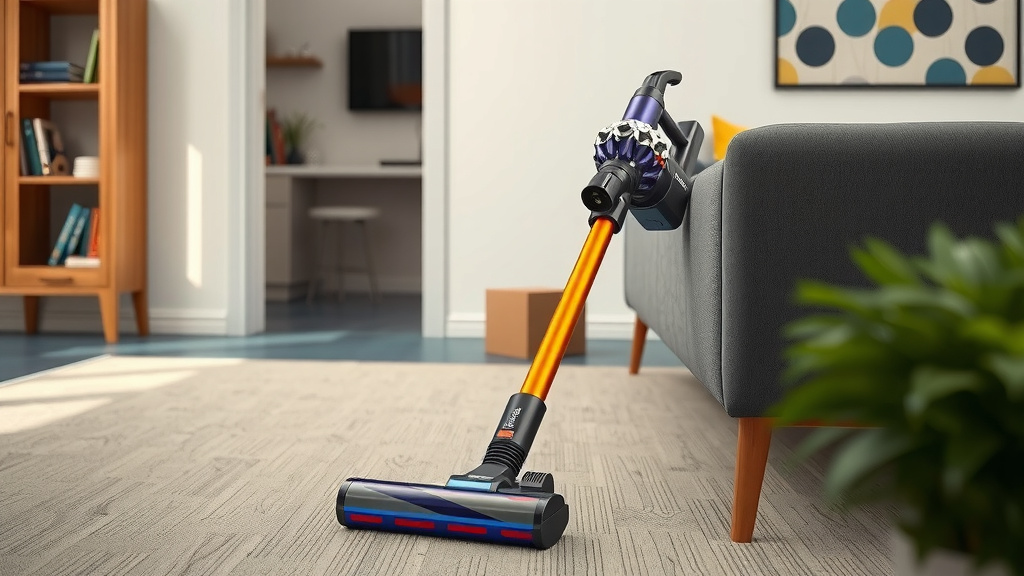
Want to keep your Dyson running like a champ for as long as possible? It’s all about consistent, simple care. We’ve gathered some top tips that really make a difference over the years.
- Regularly empty the bin.
- Wash and dry filters completely.
- Keep the brush bar free of tangles.
- Store your vacuum properly, away from extreme temperatures.
- Charge the battery as needed, avoiding deep discharges if possible.
- Don’t force the vacuum over large debris or obstacles.
Following these steps, which we found many Dyson owners swear by, can significantly extend the life of your vacuum. It’s about treating your appliance with respect, and it will repay you with years of reliable service.
Conclusion
You’ve learned that your Dyson cordless vacuum is built for durability, potentially lasting 5 to 20 years with proper care. While the battery typically needs attention around the 3 to 5-year mark, this doesn’t spell the end for your machine. Consistent maintenance, like emptying the bin, cleaning filters, and untangling the brush bar, is your secret weapon for longevity. By following these simple steps, you can ensure your Dyson continues to be an effective cleaning partner for many years to come. Your next step? Schedule a quick check-up to ensure your filters are clean and your bin is empty!
Frequently Asked Questions
How often should I replace my Dyson cordless vacuum battery?
You’ll typically need to consider replacing your Dyson’s battery after about 3 to 5 years of regular use. Signs include a significantly shorter run time on a full charge or diminished power. Replacing the battery can often give your vacuum a new lease on life.
Can I use my Dyson cordless vacuum more than the recommended run time?
While you might be tempted to push your Dyson beyond its stated run time, it’s generally not recommended. Doing so frequently can put extra strain on the battery and potentially shorten its overall lifespan. Stick to the recommended times for optimal battery health.
What happens if I don’t clean my Dyson’s filters regularly?
If you don’t clean your Dyson’s filters, they will become clogged with dust and debris. This makes it harder for the motor to suck up dirt, reducing suction power and causing the motor to work harder. Over time, this can lead to decreased performance and a shorter lifespan for your vacuum.
Is it worth buying a Dyson cordless vacuum if I have pets?
Yes, many Dyson cordless vacuums are excellent for pet owners, designed to handle pet hair effectively. Just be prepared for slightly more frequent maintenance. You’ll want to empty the bin after each use and regularly untangle the brush bar from pet hair to keep it running efficiently.
Can I store my Dyson cordless vacuum in the garage?
It’s best to avoid storing your Dyson cordless vacuum in the garage, especially if temperatures fluctuate significantly. Extreme heat or cold can degrade the battery over time. Find a climate-controlled indoor location for storage to protect its components.
![7 Best Car Vacuum Cleaner For Dog Hair [2026]](https://bathroomexplorer.com/wp-content/uploads/2026/05/7-best-car-vacuum-cleaner-for-dog-hair-2026-featured-768x432.jpg)