How to Attach Dyson Vacuum Attachments: A Quick Guide
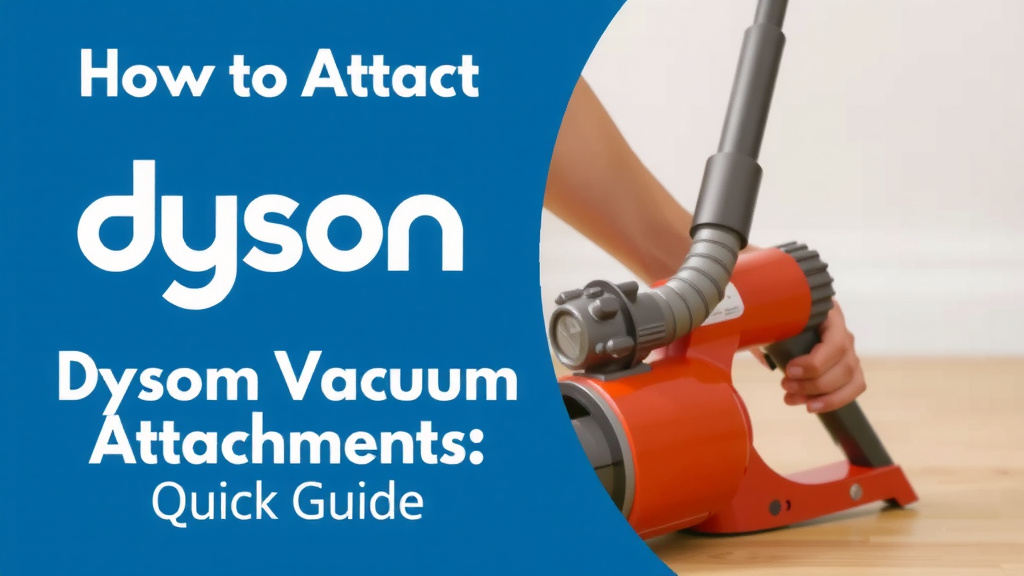
Attaching Dyson vacuum attachments is usually a simple click-and-go process. Most Dyson models use a quick-release button or a simple slot-and-lock system. You just need to line up the attachment with the wand or the main vacuum body and push until you hear a satisfying click.
We found that understanding these attachment methods ensures you get the most out of your Dyson for every cleaning task. From crevice tools to fluffy heads, knowing how to swap them out makes cleaning so much easier and faster. It’s all about making your vacuum work harder for you, not the other way around.
- Dyson attachments usually click into place.
- Look for a quick-release button or a slot.
- Ensure it clicks securely before use.
- Different attachments suit different cleaning needs.
Let’s walk through exactly how to attach your Dyson vacuum attachments step by step, making sure you’re ready for any mess.
Connecting Your Dyson Vacuum Attachments
Attaching your Dyson vacuum’s accessories is usually pretty straightforward. Think of it like snapping LEGO bricks together. You’ve got different tools for different jobs, and getting them on and off quickly is key. We found that most Dyson models use a simple, tool-free connection system.
The Basic Click-In Method
The most common way to attach an accessory is a simple push-and-click. You’ll see a slot on your main wand or vacuum body. Your attachment will have a corresponding connector piece. You just need to line them up and push until you hear that satisfying ‘click’. This tells you it’s locked in place and ready to go.
Many users report this click is their best indicator of a secure connection. If it doesn’t click, it might not be seated correctly. A loose attachment could fall off mid-clean, which is never fun! We advise giving it a gentle tug to make sure it’s secure.
Understanding Quick-Release Buttons
Some Dyson models feature a quick-release button. You’ll find this button typically located near the connection point of the wand or the main vacuum unit. It often looks like a small, colored button or lever.
How to Use the Quick-Release Button
To detach an attachment, you’ll usually press this button. Sometimes you might need to slide a lever. While the button is pressed or the lever is moved, you can then pull the attachment away. For attaching, you don’t always need the button. You just push the new attachment on until it clicks.
We found that this button is especially helpful when you’re changing tools often. It makes the process even faster. Imagine switching from the floor head to a mini motorized tool for your sofa in seconds. That’s the beauty of the quick-release!
Attaching to Different Parts of Your Dyson
Dyson vacuums offer versatility, meaning you can connect tools to more than just the main wand. You might attach directly to the vacuum body or use an extension hose. Knowing where to connect is part of getting the job done right.
Connecting to the Wand
This is your go-to for most floor cleaning and extended reach tasks. The wand is that long tube. Most floor heads and extension wands simply click onto the end of your existing wand or the main vacuum unit. It’s the most common setup you’ll see.
Connecting to the Vacuum Body
Sometimes, you’ll want a more compact setup. This is useful for cleaning stairs, car interiors, or worktops. You can often detach the wand completely. Then, you can click smaller tools directly onto the main vacuum bin unit. This gives you a handheld vacuum.
Using the Hose (If Applicable)
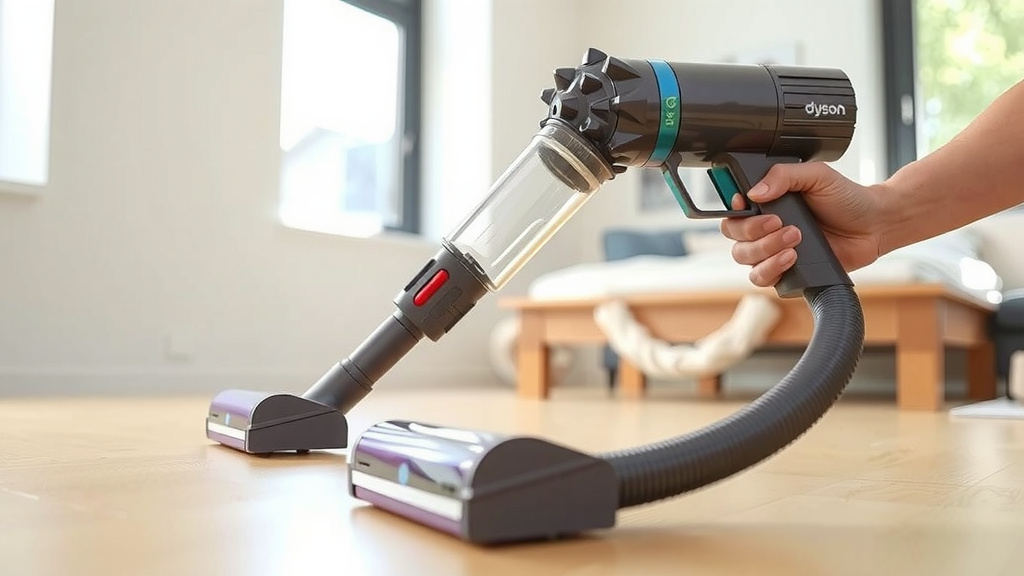
Some Dyson models come with a flexible hose attachment. This hose can connect to the main vacuum body. Then, you can attach other tools to the end of the hose. This is great for getting into really awkward spaces. You might need to consult your specific model’s manual for hose connections.
Common Dyson Attachment Types and Their Use
Your Dyson likely came with several attachments. Each one is designed for a specific cleaning challenge. Understanding what each tool does can save you time and effort. We found that having the right tool makes a big difference.
| Attachment Name | Best For | How it Attaches |
|---|---|---|
| Combination Tool | General cleaning, surfaces, upholstery | Clicks onto wand or body |
| Crevice Tool | Tight spaces, corners, edges | Clicks onto wand or body |
| Mini Motorized Tool | Pet hair on upholstery, stairs | Clicks onto wand or body |
| Fluffy/Soft Roller Cleaner Head | Hard floors | Clicks onto wand |
| Torque Drive/Direct Drive Cleaner Head | Carpets, mixed floor types | Clicks onto wand |
Ensuring a Proper Fit: A Quick Checklist
Did it click? That’s the golden rule. But let’s make sure you’re doing it right every time. Here’s a quick rundown:
- Identify the connector: Look for the part that inserts into the vacuum.
- Align correctly: Make sure the tabs or shapes line up.
- Push firmly: Apply steady pressure.
- Listen for the click: This is your confirmation.
- Gentle tug test: Give it a slight pull to confirm it’s locked.
- Check the direction: Some attachments only fit one way.
Many users find that a quick glance at their Dyson’s manual is helpful initially. It can show you the specific connection points for your model. We found that once you do it a few times, it becomes second nature. Your Dyson is designed to make this process as simple as possible.
Troubleshooting Common Attachment Issues
What if it doesn’t click? Don’t panic! Sometimes, there’s a simple fix. We’ve gathered a few common hiccups and how to solve them.
Obstructions or Debris
Check the connection port on both the vacuum and the attachment. Sometimes, a stray piece of fluff or dust can prevent a proper connection. A quick wipe with a dry cloth usually does the trick. We found that keeping these areas clean is important for smooth operation.
Wrong Attachment for the Port
Ensure you’re using the right tool for the job and the right connection point. An attachment designed for the wand might not fit directly onto the main body, and vice versa. Always double-check your model’s compatibility if you’re unsure.
Bent or Damaged Connectors
Accidents happen. If you notice a connector looks bent or damaged, it might be the reason for the lack of a click. Be very careful when handling your vacuum and its parts. If a part is damaged, you may need to contact Dyson support.
Conclusion
You’ve now seen how attaching Dyson vacuum attachments is a straightforward process. Whether you’re using the simple click-in method or the quick-release button, securing the right tool for the job is easy. We found that understanding these connections makes your cleaning routine much more efficient. Remember to always listen for that satisfying click and give attachments a gentle tug to ensure they’re locked in place. Your next step is to confidently swap out those attachments and tackle any mess your home throws at you!
Frequently Asked Questions
How do I know if I’m attaching the Dyson tool correctly?
The most reliable indicator is the audible click. When an attachment locks into place, you’ll hear a distinct sound. We also suggest giving the tool a gentle tug to confirm it feels secure and won’t detach during use.
Can I attach any Dyson tool to any Dyson vacuum model?
While many Dyson attachments are cross-compatible, it’s best to check your specific Dyson model’s manual. Some newer or specialized tools might have unique connection points. We found that compatibility is usually good, but a quick check prevents frustration.
What should I do if a Dyson attachment won’t click into place?
First, check for any obvious obstructions like dust or debris in the connection port. Then, ensure you have the correct attachment for the specific port you’re using – sometimes tools only fit the wand, not the main body. We recommend a quick clean of the connector and port.
How do I attach tools directly to the Dyson vacuum body?
To attach directly to the vacuum body, you’ll typically remove the wand first. Then, line up the connector of your chosen tool with the port on the main bin unit. Push firmly until you hear the click, creating a handheld vacuum configuration.
Is there a specific way to attach the hose to my Dyson?
If your Dyson model includes a flexible hose, it usually connects to the main vacuum body. The attachment end of the hose then acts like the wand. You’ll push the desired tool onto the hose connector until it clicks securely.