
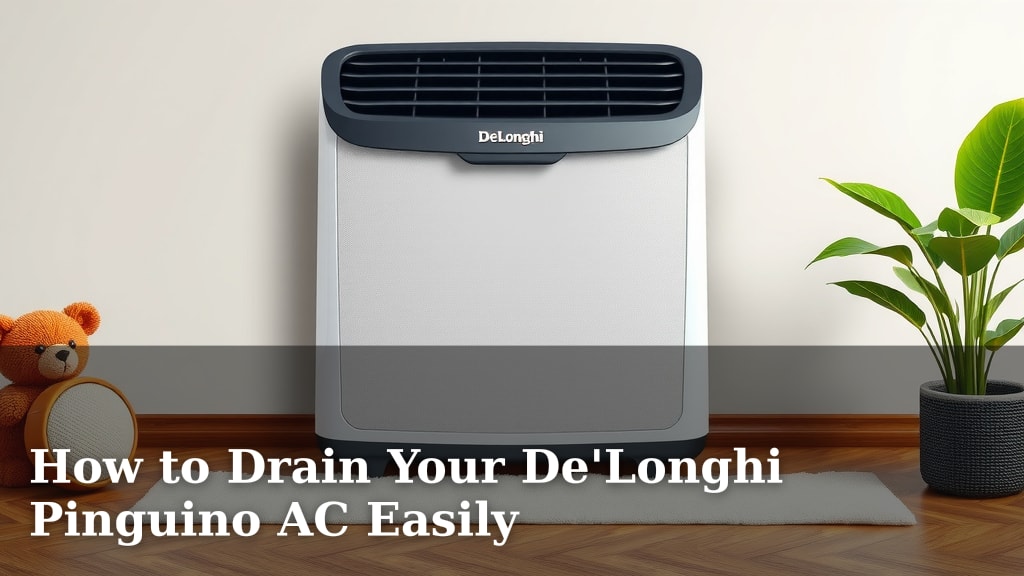
How to Drain Your De’Longhi Pinguino AC Easily
Draining your DeLonghi Pinguino air conditioner is a straightforward process. You’ll typically need to locate the drainage port and connect a hose or use the provided plug to remove accumulated water. This prevents overflow and keeps your unit running efficiently.
When your portable air conditioner collects too much water, it can stop cooling. Knowing how to properly drain your DeLonghi Pinguino is essential for maintaining its performance and avoiding potential water damage. We found that regular draining is key.
- Locate the drainage port on your DeLonghi Pinguino.
- Prepare a container or hose for water collection.
- Remove the drain plug or connect your hose.
- Allow the water to drain completely.
- Securely replace the drain plug.
Let’s walk through exactly how to drain your DeLonghi Pinguino step by step so you can get back to enjoying cool air.
Getting Water Out of Your DeLonghi Pinguino: A Simple Guide
Draining your DeLonghi Pinguino air conditioner might sound like a chore, but it’s often easier than you think. Keeping that extra water managed ensures your unit runs smoothly and efficiently. We found that a little regular maintenance goes a long way.
Why Draining Your Pinguino Matters
Your DeLonghi Pinguino is designed to dehumidify the air. As it does this, it collects moisture. If this water isn’t removed, it can build up inside the unit. This can lead to various issues, including reduced cooling performance and potential leaks.
Many portable AC units have an auto-shutoff feature. This is a safety measure to prevent overflowing. When the internal tank reaches its limit, the AC will stop cooling. You’ll typically see an indicator light or receive an error code. This is your cue that it’s time to drain the water.
Locating the Drainage Port on Your DeLonghi Pinguino
The first step is finding where the water exits. Most DeLonghi Pinguino models have a drainage port located on the back or bottom of the unit. It’s usually a small opening covered by a cap or plug. You might need to bend down or even tilt the unit slightly to get a good look.
Check your owner’s manual if you’re having trouble. It will have a diagram showing the exact location of the drain port for your specific model. Some models might have a continuous drain option, which we’ll cover later.
Preparing for the Drainage Process
Before you start, gather what you’ll need. You’ll want a shallow pan, bucket, or a length of hose. The size of your container depends on how much water you expect to drain. If the unit is near a floor drain, a hose can be very convenient.
Ensure the area around the drainage port is clear. You don’t want to be scrambling for a towel if a little water spills. Having everything ready makes the process quick and mess-free.
The Step-by-Step Drainage Procedure
1. Power Down and Unplug
Safety first! Always make sure your DeLonghi Pinguino is unplugged from the wall before you begin any maintenance. This prevents any accidental starts or electrical hazards. Wait a few minutes after unplugging; the unit might still hold a small electrical charge.
2. Accessing the Drain Plug
Now, gently remove the drain plug or cap. You might need a screwdriver or pliers for some models, but often, they pull out by hand. Be prepared for water to flow out immediately if the internal tank is full. This is why having your collection container ready is so important.
3. Draining the Water
Position your pan or bucket directly under the drain port. Let the water flow freely into the container. If you’re using a hose, connect it securely to the port and run the other end to a suitable drain or bucket. You might need to elevate the back of the unit slightly to ensure all the water drains out.
We found that it can take several minutes for all the water to empty. Be patient and let gravity do its work. If you’re using a hose, you can sometimes create a siphon effect to speed things up, but this isn’t usually necessary.
4. Reattaching the Drain Plug
Once the water has completely drained, carefully reinsert the drain plug or cap. Make sure it’s snug and secure. A loose plug can lead to leaks later on. If you used a hose, remove it and replace the plug.
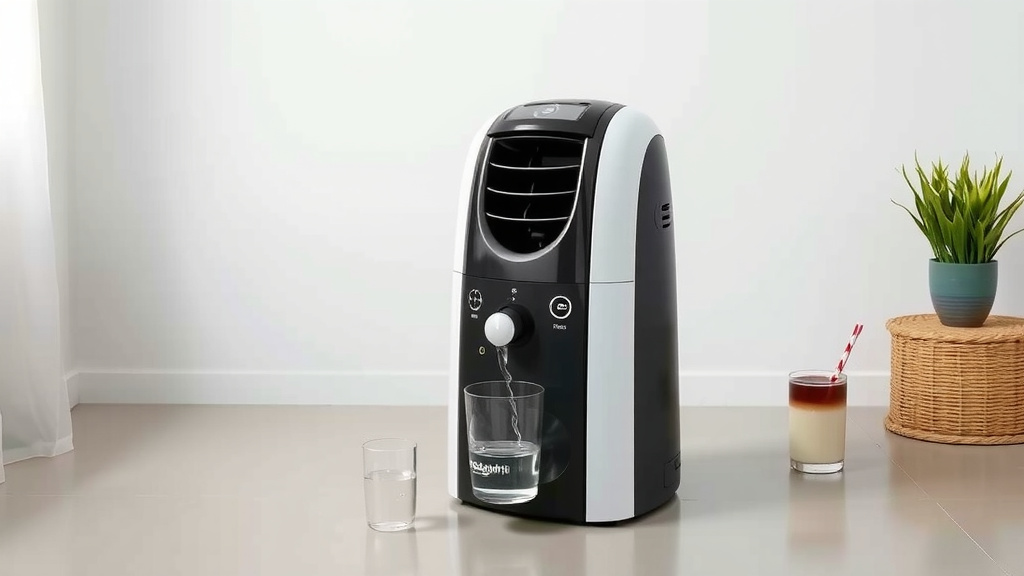
Continuous Drainage: A Set-It-and-Forget-It Option
Some DeLonghi Pinguino models offer a continuous drainage feature. This is ideal if your unit is located near a floor drain or if you want to minimize manual draining.
How Continuous Drainage Works
This option typically involves connecting a dedicated drain hose to a specific port on the unit. This hose then runs directly to a drain or a larger collection tank. The water is continuously pumped out as it accumulates.
Setting Up Continuous Drainage
Consult your manual for the exact setup. You’ll usually find a separate port, often higher up on the unit than the manual drain. Attach the provided hose or a compatible one securely. Ensure the hose has a slight downward slope towards the drain to allow water to flow easily.
Important Note: Even with continuous drainage, it’s a good idea to check the hose periodically. Blockages can still occur, and you don’t want water backing up into the unit.
Troubleshooting Common Drainage Issues
What if the water just won’t drain? Don’t panic! Here are a few things to check.
Is the Unit Level?
Portable air conditioners often have a tilt sensor. If the unit isn’t level, it might not drain properly. Try adjusting the unit or using shims under the feet to make sure it’s sitting straight on the floor.
Is the Drain Port Clogged?
Occasionally, debris can block the drain port. After unplugging the unit, gently try to clear the opening with a soft cloth or a toothpick. Be careful not to push any debris further inside.
Is the Internal Tank Full?
Sometimes, the water level sensor might be a bit finicky. If you suspect the tank is full and nothing is happening, try emptying it manually as described earlier. This often resets the sensor.
A Quick Drainage Checklist
To make sure you haven’t missed a step, here’s a quick rundown:
- Power Off: Always unplug your DeLonghi Pinguino first.
- Locate Drain: Find the drain port on the back or bottom.
- Prepare Container: Have a bucket or pan ready for water.
- Remove Plug: Gently take out the drain plug or cap.
- Drain Water: Let all collected water empty into your container.
- Replace Plug: Securely put the drain plug back in place.
Conclusion
You’ve now learned how to effectively drain your DeLonghi Pinguino. We found that regular water removal is key to keeping your unit running at its best. By following these simple steps, you can avoid cooling interruptions and potential leaks. Remember to always unplug your unit before draining and ensure the drain plug is securely replaced. Make draining a part of your routine maintenance, and your Pinguino will keep you comfortable all season long. Your next step? Check your unit today and drain any accumulated water.
Frequently Asked Questions
How often should I drain my DeLonghi Pinguino?
You should drain your DeLonghi Pinguino whenever the water indicator light comes on or your unit stops cooling. For continuous use, we recommend checking it at least once a week. This frequency can vary based on your home’s humidity levels.
What happens if I don’t drain my DeLonghi Pinguino?
If you don’t drain your DeLonghi Pinguino, the internal water tank will eventually fill up. Most models have a safety feature that automatically shuts off the unit to prevent overflow and potential water damage. This means your air conditioner will stop cooling.
Can I leave the drain hose connected all the time?
Yes, if your DeLonghi Pinguino model has a continuous drainage option, you can leave the drain hose connected. Ensure the hose is properly routed to a drain and has a slight downward slope. We found this to be a very convenient setup.
My DeLonghi Pinguino won’t drain, what should I do?
First, ensure the unit is plugged in and the drain plug is fully removed. If it still won’t drain, check if the unit is level, as some have tilt sensors. Also, inspect the drain port for any blockages. If problems persist, consult your manual.
Is it normal for a lot of water to come out?
Yes, it’s perfectly normal. Your DeLonghi Pinguino dehumidifies the air, which means it collects a significant amount of moisture. The amount of water drained will depend on how long it’s been since the last drainage and the humidity in your environment.


![7 Best Portable House Air Conditioner [2026]](https://bathroomexplorer.com/wp-content/uploads/2026/06/7-best-portable-house-air-conditioner-2026-featured-768x432.jpg)
![7 Best Coil Cleaner For Window Air Conditioner [2026]](https://bathroomexplorer.com/wp-content/uploads/2026/06/7-best-coil-cleaner-for-window-air-conditioner-2026-featured-768x432.jpg)