
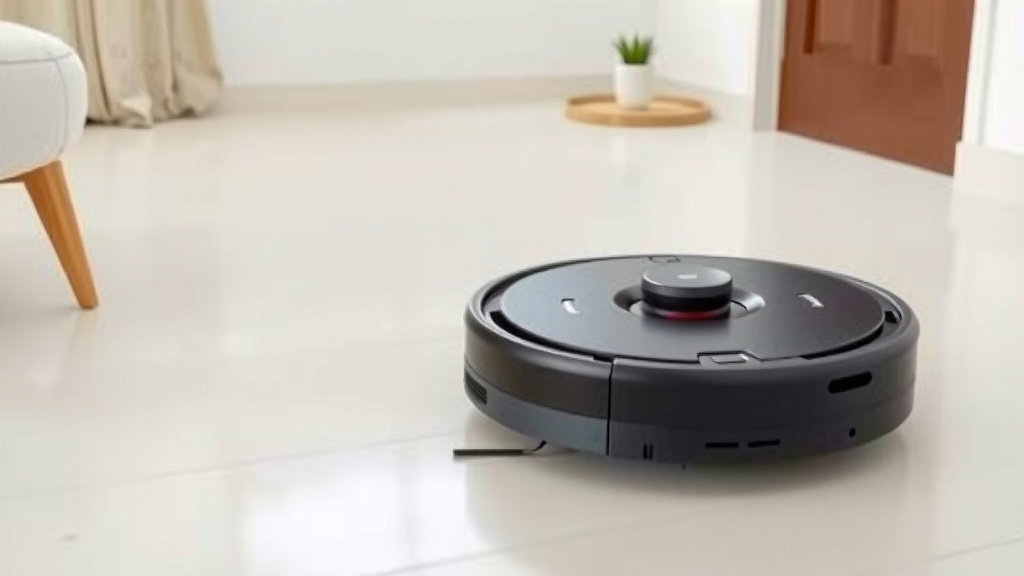
How Often to Run Your Robot Vacuum for Best Results
You can usually run your robot vacuum every day or every other day for the cleanest floors. This frequency helps maintain a dust-free environment, especially if you have pets or allergies. For busy households, daily runs are often best to keep up with everyday messes.
The ideal schedule depends on your specific needs and home environment. Consider factors like foot traffic, the presence of pets, and the general level of dirt accumulation. Many robot vacuums are designed for frequent, light cleaning rather than deep, infrequent cleaning sessions.
- Run daily for the cleanest floors.
- Every other day works for less traffic.
- Pets and allergies may need daily runs.
- Adjust based on your home’s needs.
- Consider room size and dirt levels.
Below, we’ll help you figure out the perfect cleaning schedule for your robot vacuum and your home.
So, you’ve got a robot vacuum, and you’re wondering about the sweet spot for running it. It’s like asking how often to water a plant—too little and it wilts, too much and it drowns. We’re here to help you find that perfect watering schedule for your floors!
Your Robot Vacuum’s Ideal Cleaning Cadence
Figuring out how often to run your robot vacuum is key to enjoying its benefits. The general consensus among robot vacuum enthusiasts and manufacturers is that running it daily or every other day is typically the best approach.
This frequency is designed to keep dust and debris at bay. It’s less about a deep, scrub-down clean and more about consistent maintenance. Think of it as a tiny, tireless cleaning crew working behind the scenes.
Daily Runs: The Ultimate Cleanliness Goal
If you’re aiming for floors that practically gleam, running your robot vacuum every single day is your best bet. This is especially true if you have busy households. Kids tracking in dirt, pets shedding fur, or just the general hustle and bustle of life can add up quickly. A daily run ensures that no mess has a chance to settle in.
For those with allergies or asthma, daily cleaning is incredibly beneficial. Robot vacuums can effectively pick up dust mites, pet dander, and other allergens that might otherwise linger in your carpets and on hard floors. Many guidelines from health organizations suggest regular cleaning to reduce airborne irritants (CDC). Daily runs make this much easier.
Every Other Day: A Solid Compromise
What if daily feels like too much, or your home isn’t a constant dirt magnet? Running your robot vacuum every other day is a fantastic alternative. This schedule works well for homes with moderate foot traffic. It still provides excellent maintenance without wearing out your robot’s battery or requiring you to empty its bin constantly.
We found that for many households, this “every other day” approach strikes a perfect balance. It keeps things tidy and significantly reduces visible dust and hair. You’ll notice a difference in air quality too. Plus, it’s a more manageable schedule for emptying the dustbin.
Factors Influencing Your Robot Vacuum Schedule
There’s no one-size-fits-all answer when it comes to robot vacuum frequency. Your home’s unique characteristics play a big role. Let’s break down what to consider.
Pet Powerhouses: The Furry Factor
Ah, pets. We love them dearly, but they do tend to leave a trail of fur and tracked-in dirt. If you have one or more furry friends, you might need to lean towards daily cleanings. Pet dander is a common allergen, and regular vacuuming helps manage it effectively.
Research indicates that consistent cleaning can significantly reduce allergens in the home environment (NIH). Running your robot vacuum daily can help keep shedding under control. You might find yourself emptying the bin more often, but the payoff in a cleaner, fresher home is usually worth it.
Foot Traffic and Lifestyle
Think about the daily traffic your floors endure. Do you live in a bustling household with multiple people coming and going? Or is it a quieter home? High foot traffic areas, like entryways and main living spaces, tend to accumulate dirt, crumbs, and debris faster. For these zones, more frequent cleaning makes sense.
Consider a schedule where the robot vacuum runs daily in your high-traffic areas. You could potentially schedule it for less frequent runs in guest rooms or areas that see minimal use. Many robot vacuums allow you to set room-specific schedules, which is a great feature to leverage.
Your Home’s Flooring Type
The type of flooring you have can also influence your cleaning schedule. Hardwood floors and tile show dust and crumbs more readily than carpet. However, carpets can trap dirt and allergens deep within their fibers.
- Hardwood/Tile: Daily runs can prevent dust bunnies and crumbs from accumulating and scattering.
- Carpet: While it might not show surface dirt as obviously, carpets benefit from regular vacuuming to pull out trapped particles. Every other day is often sufficient for maintenance.
We found that a daily run can be particularly effective on hard floors for that “just cleaned” look. For carpets, a slightly less frequent schedule might suffice if you don’t have pets.
Allergies and Air Quality Concerns
If anyone in your household suffers from allergies or respiratory issues, a robot vacuum can be a game-changer. Consistent cleaning helps reduce the presence of dust mites, pollen, pet dander, and other airborne irritants.
We strongly recommend daily runs for households prioritizing air quality. This maximizes the removal of microscopic particles. Using a robot vacuum with a HEPA filter can further enhance its ability to capture allergens. This is a vital step for creating a healthier living space (Mayo Clinic).
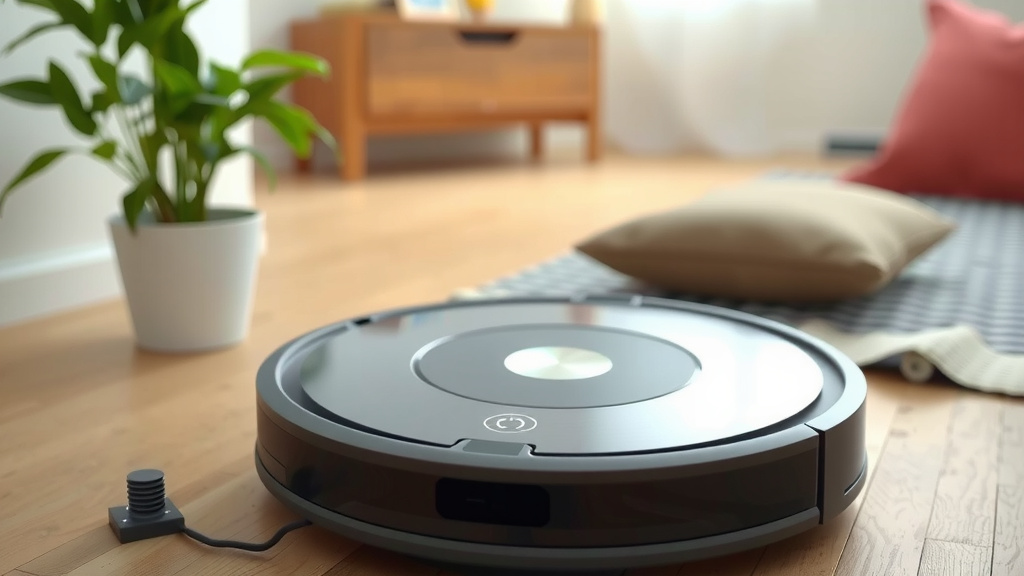
Optimizing Your Robot Vacuum’s Usage
Beyond just frequency, a few smart strategies can help you get the most out of your robot vacuum.
Scheduling Smartly
Most robot vacuums come with companion apps that allow you to schedule cleanings. Use this feature to your advantage! You can set specific days and times for your robot to clean.
A great strategy is to schedule it to run while you’re out of the house or during times when you’re less likely to be disturbed. This ensures cleaning happens without interruption. You might also program it to clean specific rooms on different days.
Bin Management is Key
Remember that robot vacuums are designed for frequent, lighter cleaning. This means their dustbins are relatively small. If you run your robot daily, especially with pets, you’ll need to empty the bin regularly. Many robots will alert you when the bin is full, but it’s good practice to check it after each run.
Some newer models come with self-emptying bases, which significantly reduces the manual effort required. If you have one of these, you’ll still want to check the base’s bag or bin periodically, but it’s far less frequent than emptying the robot’s onboard bin.
Consider Room Size and Dirt Levels
Is your entire house the same level of “dirty”? Probably not. You might have a kitchen that gets crumbs daily, a hallway that collects tracked-in dirt, and bedrooms that are relatively clean. You can tailor your schedule based on this.
Perhaps run the robot daily in the kitchen and main living areas, but only every 2-3 days in bedrooms. This intelligent approach ensures your cleaning power is focused where it’s needed most, optimizing battery life and bin capacity.
Your Personal Cleaning Checklist
To help you find your perfect routine, consider these points:
- How many people live in your home?
- Do you have pets? If so, how much do they shed?
- Does anyone have allergies or asthma?
- How much daily foot traffic do your floors see?
- What types of flooring do you have?
- How much time are you willing to spend managing the robot (e.g., emptying the bin)?
Answering these questions will guide you toward the most effective schedule. It’s all about making your robot vacuum work smarter, not harder, for your specific home environment.
Conclusion
Finding the right cleaning schedule for your robot vacuum is all about balance. You’ve learned that daily or every other day is a great starting point. Remember to consider your pets, foot traffic, and any allergies in your home. Don’t forget to use your robot’s smart scheduling features and manage its bin capacity. Take a moment to think about your home’s unique needs. Then, set your robot vacuum to work for you!
Frequently Asked Questions
How often should I run my robot vacuum if I don’t have pets?
If you don’t have pets and your home has moderate foot traffic, running your robot vacuum every other day is often sufficient. This helps maintain a clean environment without overworking the machine or filling its bin too quickly. You’ll still notice a difference in dust levels and overall tidiness.
Will running my robot vacuum daily wear it out faster?
Robot vacuums are designed for frequent use, so daily runs are generally fine. Think of it as regular maintenance rather than intense deep cleaning. Most modern robots are built to withstand daily operation without significant wear and tear. Just ensure you follow the manufacturer’s maintenance guidelines.
Is it okay to run my robot vacuum at night?
Many people choose to run their robot vacuums at night while they sleep. This is a great way to get your cleaning done without interruption. Ensure your robot has clear paths and that its noise level won’t disturb you. Some models even have quiet modes for nighttime operation.
Can I schedule my robot vacuum to clean different rooms on different days?
Yes, absolutely! Most app-controlled robot vacuums allow you to create custom cleaning schedules for specific rooms or zones. This is a smart way to focus cleaning efforts where they are most needed, such as high-traffic areas daily and bedrooms less frequently.
How often do I need to empty the dustbin?
This depends heavily on your running frequency and household conditions. If you run your robot daily, especially with pets, you’ll likely need to empty the bin after each run or at least once a day. For less frequent runs, you might empty it every few days. Check the bin’s fullness regularly to ensure optimal performance.



![7 Best Cordless Vacuum Mop For Hardwood Floors [2026]](https://bathroomexplorer.com/wp-content/uploads/2026/05/7-best-cordless-vacuum-mop-for-hardwood-floors-2026-featured-768x432.jpg)
![7 Best Commercial Vacuum For Hotels [2026]](https://bathroomexplorer.com/wp-content/uploads/2026/05/7-best-commercial-vacuum-for-hotels-2026-featured-768x432.jpg)
![7 Best Commercial Hepa Vacuum For Mold [2026]](https://bathroomexplorer.com/wp-content/uploads/2026/05/7-best-commercial-hepa-vacuum-for-mold-2026-featured-768x432.jpg)