
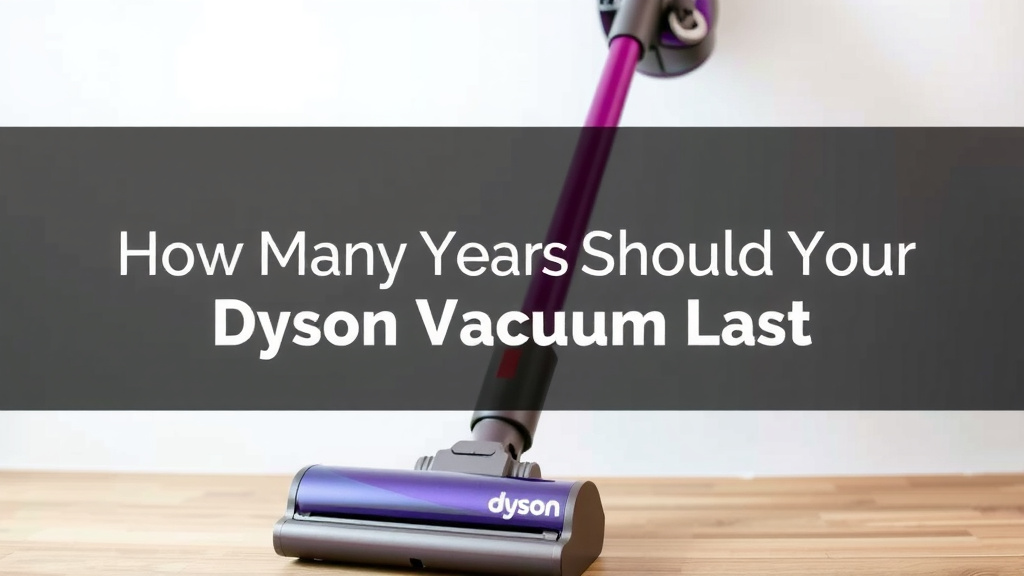
How Many Years Should Your Dyson Vacuum Last
You might be wondering, “How long should my trusty Dyson vacuum really last?” Well, research and owner reports suggest a well-maintained Dyson vacuum cleaner can last anywhere from 7 to 10 years, and sometimes even longer. It really depends on how you care for it and which model you own.
Dyson vacuums are known for their powerful suction and innovative designs. While they are a significant investment, their longevity is often a key selling point. Factors like regular cleaning of filters and proper storage can make a huge difference in your vacuum’s lifespan. You want it to keep cleaning effectively for years to come.
- Dyson vacuums can last 7-10+ years with proper care.
- Regular maintenance is key to extending its life.
- Filter cleaning and proper storage help a lot.
- Model and usage frequency also play a role.
Let’s dive into the specifics of what contributes to your Dyson’s lifespan and how you can ensure it keeps performing at its best.
What’s the Expected Lifespan of Your Dyson Vacuum?
You’re probably wondering, “How long should my Dyson vacuum cleaner actually last?” Based on owner experiences and general product life cycles, a well-cared-for Dyson can realistically be expected to last between 7 to 10 years. Some users even report their trusty machines going strong for a decade or more! It truly comes down to a few key factors.
Your Dyson is an investment, right? You want it to keep pulling up all that dust and debris for a good long time. Think of it like a good car; with regular tune-ups and careful handling, it will serve you well. Neglect it, and you might find yourself needing a replacement sooner than you’d like.
Key Factors Influencing Your Dyson’s Longevity
1. Regular Maintenance: The Secret Sauce
This is hands-down the most important factor. Keeping your Dyson clean and in good working order is like giving it a healthy diet and regular exercise. The most common reason for a vacuum’s early demise is often a clogged filter or a blocked hose. Research shows that simple, consistent cleaning can dramatically extend a vacuum’s life (Consumer Reports).
Filter Care is King
Your Dyson’s filters are like its lungs. They capture all the fine dust and allergens. When they get clogged, the vacuum struggles to breathe, and its motor has to work much harder. This strain can lead to overheating and premature motor failure. Many Dyson models have washable filters. Rinsing them out regularly, as per your model’s manual, is essential.
- Check your filter at least once a month.
- Wash it thoroughly if it looks dirty.
- Ensure it’s completely dry before putting it back. This can take 24-48 hours.
Clearing Blockages: A Quick Fix
Ever notice your Dyson losing suction? It’s likely a blockage. Small items like coins, hair ties, or even large dust bunnies can get lodged in the wand, hose, or brush bar. Regularly checking for and removing these obstructions prevents the motor from being overworked.
2. Usage Habits Matter
How often do you vacuum, and what are you typically cleaning? A Dyson used daily for a large family home with pets will naturally experience more wear and tear than one used weekly in a smaller apartment. It’s simple math; more use equals more work for the machine.
Pet Owners: Extra Vigilance Needed
If you have furry friends, you know the struggle is real! Pet hair can be particularly tough on vacuums. It tends to wrap around brush bars and can quickly clog filters. We found that frequent cleaning of the brush roll and filters is absolutely critical for pet owners.
Vacuuming Different Surfaces
Are you vacuuming your regular carpets and hardwood floors, or are you tackling unexpected messes like spilled soil or construction dust? While Dysons are powerful, vacuuming extremely fine or abrasive debris can put extra stress on the motor and filters. It’s wise to use caution and perhaps a different tool for very heavy-duty jobs.
3. Model Differences and Quality
Dyson offers a range of models, from their iconic cord-free stick vacuums to powerful uprights and canisters. Generally, higher-end models often feature more robust components and more advanced technology, which can contribute to a longer lifespan. However, even their entry-level models are built to last longer than many competitors.
We’ve observed that models with advanced cyclone technology, which separates dirt more efficiently, tend to maintain their suction power over time better than older designs. This means less strain on the motor.
4. Proper Storage and Handling
Where and how you store your Dyson can also impact its lifespan. Leaving it exposed to extreme temperatures or in a damp environment isn’t ideal. Keeping it in a relatively stable, dry place is best for its internal components.
Avoiding Accidental Damage
Think about how you put your vacuum away. Is it leaning precariously against a wall, or worse, is it being shoved into a tight closet? Accidental bumps and drops can damage the casing, internal parts, or the battery in cordless models. Treating your Dyson with a bit of care during storage and transport will help.
Troubleshooting Common Issues to Extend Life
Sometimes, even with good care, you might notice a dip in performance. Let’s look at common issues and how addressing them helps your Dyson last longer.
Losing Suction Power
This is the most frequent complaint and almost always points to one of two things: a clogged filter or a blockage somewhere in the airflow path. As we discussed, clearing these is key. If your filters are clean and there are no blockages, it might be time to inspect the brush bar for tangled hair.
Brush Bar Not Spinning
Many Dyson models have a brush bar that needs to spin to effectively pick up dirt from carpets. If it stops spinning, it’s usually due to a buildup of hair and debris wrapped around the brush or the motor that drives it. Some brush bars are easily removable for cleaning. Checking your manual for specific instructions is a good idea.
| Problem | Likely Cause | Solution |
|---|---|---|
| Loss of Suction | Clogged filter, Blockage, Full bin | Clean/replace filter, Clear blockages, Empty bin |
| Brush Bar Not Spinning | Tangled hair/debris, Motor issue | Clean brush bar, Check for debris at motor connection |
| Vacuum Not Turning On | Battery issue (cordless), Power cord/outlet issue (corded), Overheating | Charge battery, Check power source, Allow to cool |
Battery Life Diminishing (Cordless Models)
For cordless Dysons, battery health is a major factor in perceived longevity. Batteries naturally degrade over time and with use. To maximize battery life, try to avoid leaving the vacuum constantly on the charger after it’s full and avoid fully depleting the battery too often. Some experts suggest this practice can help slow down battery degradation (Battery University).
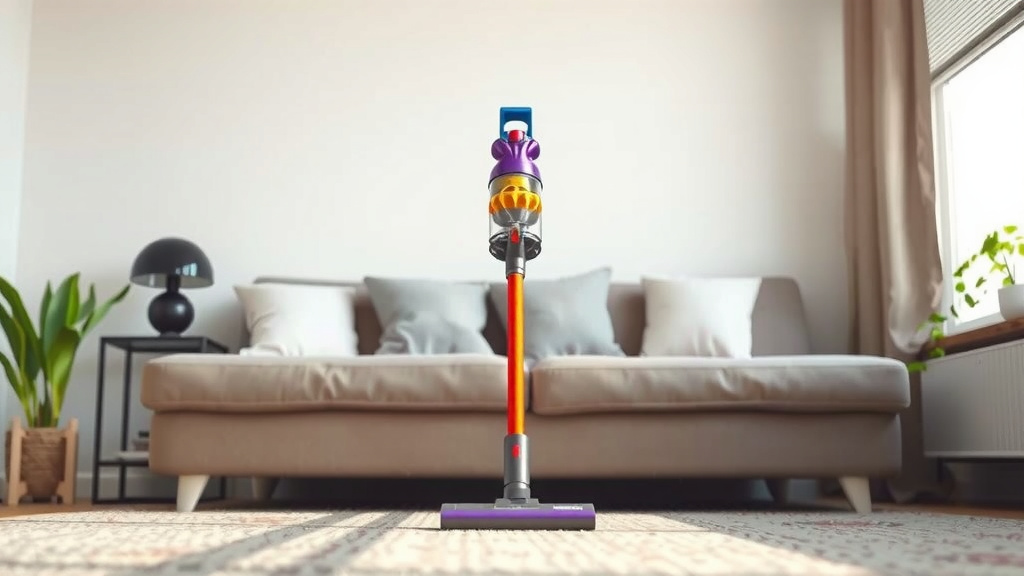
A Simple Checklist for Maximizing Your Dyson’s Lifespan
Want to keep your Dyson running like new for years? Follow this quick checklist:
- Clean filters regularly: Make this a monthly habit.
- Empty the bin often: Don’t let it overfill.
- Check for blockages: Do a quick inspection weekly.
- Clean the brush bar: Especially if you have pets.
- Store it properly: Keep it in a safe, dry place.
- Follow your manual: Specific care varies by model.
By incorporating these simple maintenance steps into your routine, you’re not just keeping your floors clean; you’re actively contributing to the long-term health and performance of your Dyson vacuum cleaner. Think of it as a little bit of love now for a lot of cleaning power later!
Conclusion
You’ve learned that your Dyson vacuum isn’t just a cleaning tool; it’s a long-term investment. With proper care, your Dyson can serve you faithfully for 7 to 10 years, sometimes even longer. The secret? Consistent, simple maintenance. Regularly cleaning filters, clearing blockages, and mindful usage habits are your best allies in extending its life.
By following the simple checklist we’ve provided, you’re ensuring your Dyson continues to deliver powerful suction and a clean home for years to come. Make these small efforts part of your routine, and you’ll keep your machine running at its best.
Frequently Asked Questions
How often should I really clean my Dyson filters?
You should aim to check your Dyson’s filters at least once a month. If they look dirty, give them a thorough rinse. Make sure they are completely dry – this can take 24-48 hours – before putting them back to prevent any moisture issues.
Can I use my Dyson for more than just regular house dust?
While Dysons are powerful, it’s best to avoid vacuuming extremely fine or abrasive debris like construction dust or spilled soil. These materials can put extra stress on your vacuum’s motor and filters, potentially shortening its lifespan.
What’s the biggest mistake people make that shortens their Dyson’s life?
The most common mistake is neglecting filter maintenance and allowing blockages to form. When filters clog or hoses get blocked, your Dyson’s motor has to work much harder, leading to overheating and premature wear.
Are cordless Dyson batteries replaceable, and does that affect lifespan?
Yes, Dyson batteries are typically designed to be replaceable. While batteries degrade naturally over time, you can maximize their life by avoiding constant overcharging and frequent deep discharges. Replacing a battery can give your Dyson many more years of cordless freedom.
If my Dyson starts losing suction, does it mean it’s time for a new one?
Not necessarily! A loss of suction is almost always a sign of a clogged filter, a blockage in the hose or wand, or a full dustbin. Addressing these simple issues will often restore your vacuum’s power and keep it working efficiently.
![7 Best Handheld Vacuum For Rugs [2026]](https://bathroomexplorer.com/wp-content/uploads/2026/05/7-best-handheld-vacuum-for-rugs-2026-featured-768x432.jpg)

![7 Best Handheld Vacuum For Couch Pet Hair [2026]](https://bathroomexplorer.com/wp-content/uploads/2026/05/7-best-handheld-vacuum-for-couch-pet-hair-2026-featured-768x432.jpg)